


Trusted by teams at


Built for Training and Onboarding That Delivers Results
Record once and reuse the same explanation whenever a new hire or teammate needs it.
Show the exact steps on screen so people can see what to do instead of guessing from notes alone.
Turn onboarding, SOPs, and internal know-how into videos teams can revisit when they need them.
Why Training Teams Choose Flashback
Turn live explanations into repeatable resources
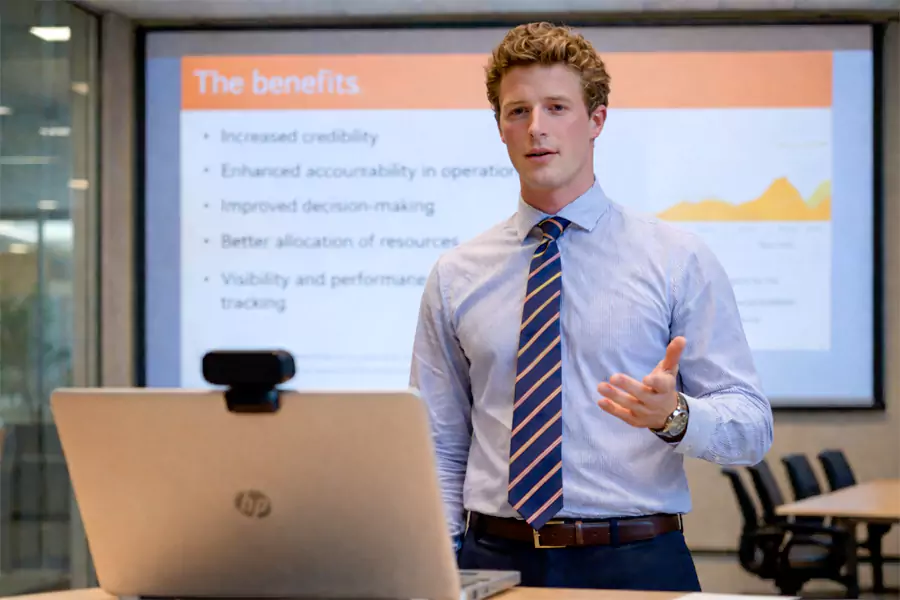
The same questions come up every time someone new joins, changes roles, or learns a new process. Flashback helps teams record those explanations once and share them again without starting from scratch each time.


Show the process instead of over-describing it
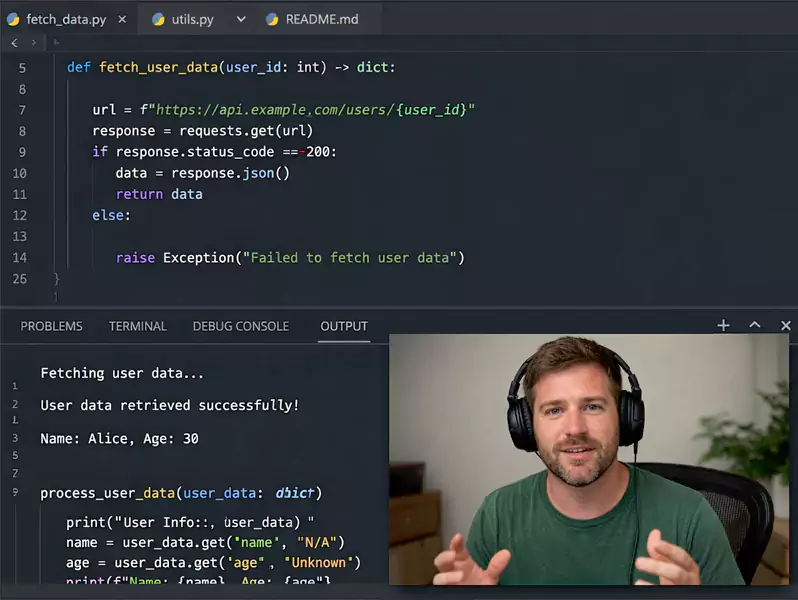
A written checklist can help, but some workflows are much easier to understand when people can see them happen step by step. Recording the screen makes process training clearer and easier to follow.
Give people something to revisit on their own time
Not everyone learns at the same pace or remembers every detail from one session. A video gives learners something they can come back to when they need a refresher, a replay, or a slower walkthrough.



Create training videos without the heavy production process
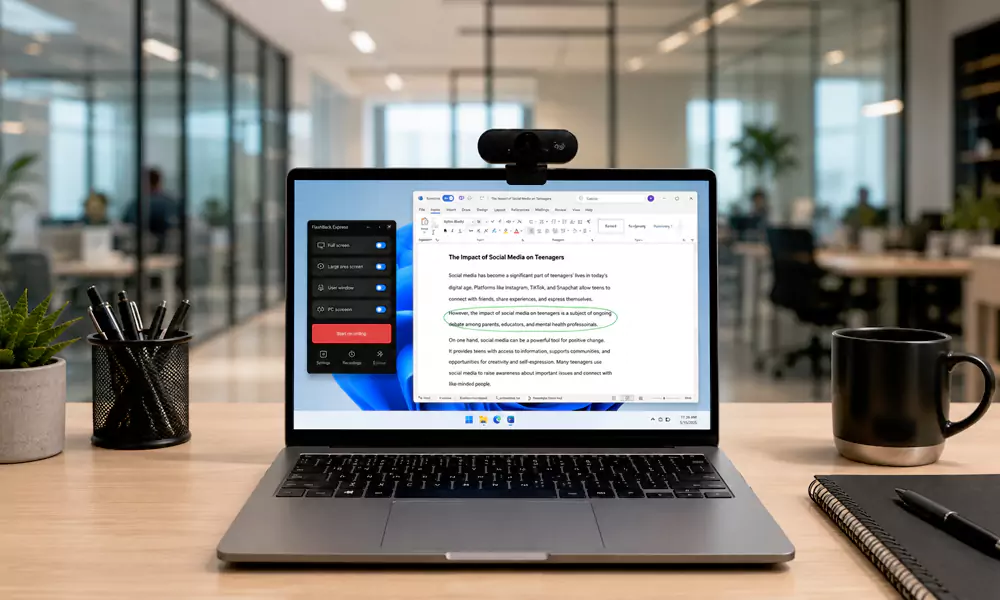
Training content does not have to feel overproduced to be effective. Flashback keeps the recording process simple so teams can capture clear internal guidance without adding a lot of extra work.
How Training Teams Use Flashback
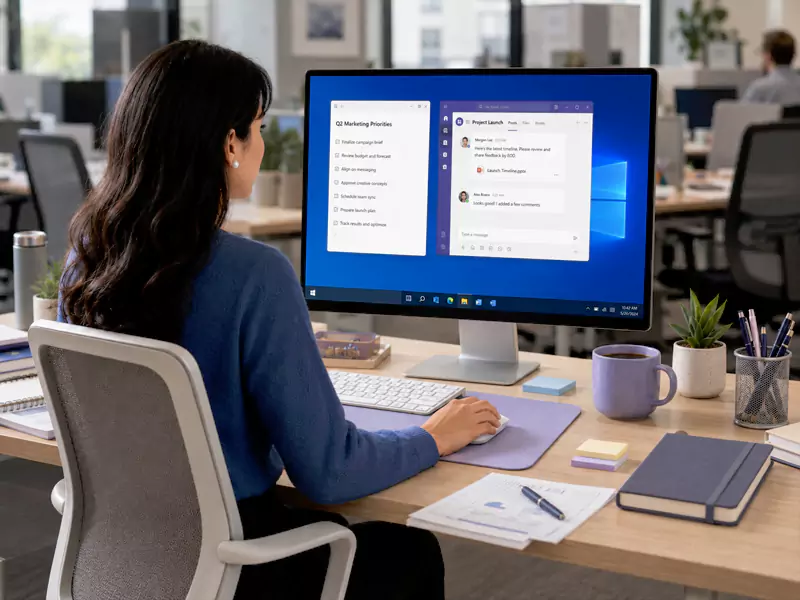
Create Onboarding Videos
Record repeatable onboarding content that helps new hires get up to speed with less live explanation.

Record SOP Videos
Turn everyday processes into clear step-by-step videos people can follow when they need them.

Record Training Videos
Build reusable internal training videos that explain tools, workflows, and expectations in a consistent way.
The Features You Need for Training and Onboarding
Screen, Mic and Webcam Recording
Record the workflow, the explanation, and the human context together when that makes training easier to follow.
Unlimited Recording, No Watermarks
Useful for longer walkthroughs, onboarding videos, and training sessions that need to run without interruption.
Cursor Highlights
Helps learners track where to click and what to focus on during a process walkthrough.
Simple Trimming and Cleanup
Remove pauses, mistakes, or setup time before sharing a training video internally.
Easy Recording for Repeatable Content
Makes it practical to turn everyday explanations into reusable internal resources.
Advanced Editing
Helpful when teams want more polished onboarding assets, clearer callouts, or tighter edits for internal training libraries.
Real Benefits, Effective Results From Flashback Express
Built for Windows-based internal workflows
Flashback works well for teams recording desktop-based tools, internal systems, and repeatable process walkthroughs.
Good for both one-off explanations and reusable training
Use it for quick onboarding help, process refreshers, or a growing internal video library.
Express is an easy way to get started
Flashback Express removes watermark and recording-limit friction so teams can start creating training content quickly.
Adds more control when teams need it
For more polished internal resources, Flashback Express adds deeper editing, annotations, and more control over the finished result.
Frequently Asked Questions
What is the best screen recorder for onboarding videos?
The best screen recorder for onboarding videos is one that makes it easy to show the process clearly, record explanations quickly, and reuse the result later. Flashback is built to keep that process simple.
Can I use Flashback for SOP and process videos?
Yes. Flashback works well for recording repeatable processes, internal tools, and step-by-step workflows.
Is Flashback good for internal training content?
Yes. It is useful for onboarding, refreshers, process walkthroughs, and reusable internal guidance videos.
Is Express enough to get started?
For many teams, yes. Express is a strong starting point for recording onboarding, SOP, and training videos. Pro is there when you need more editing control.