

Flashback Express vs. Loom
Compare Loom vs. Flashback Express by performance, editing, and export quality to find the best screen recorder for your workflow.

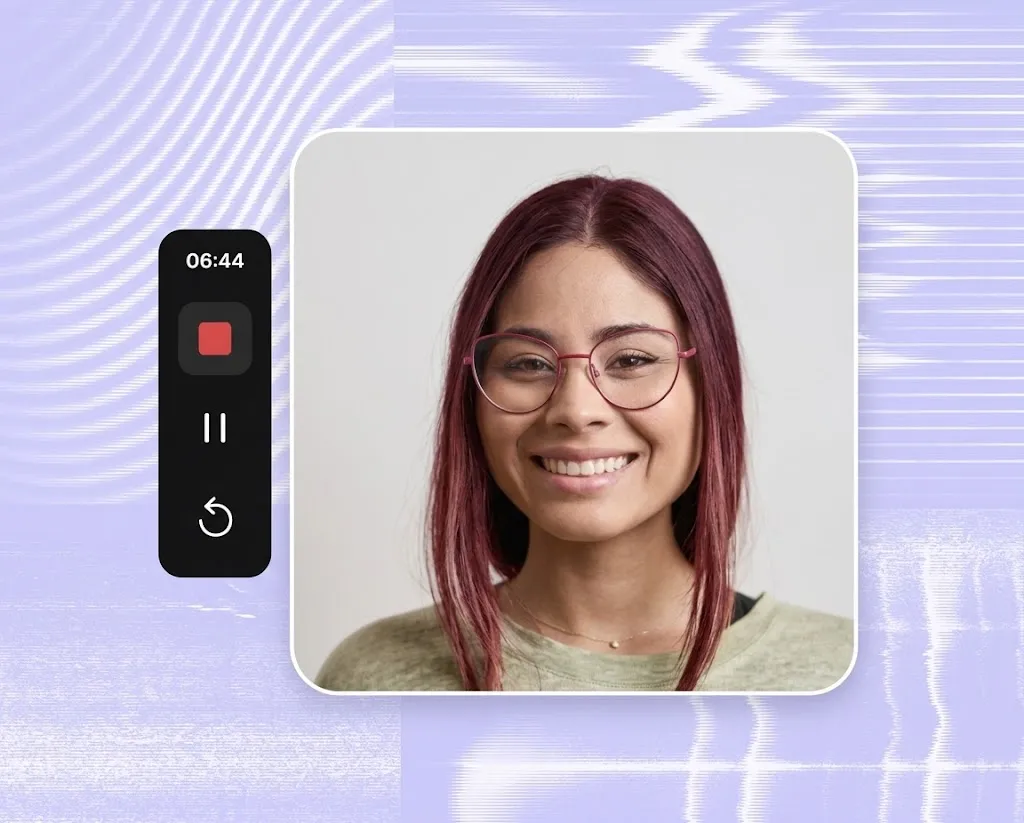
Why Flashback Express Over Loom?
While Loom is built for quick browser-based video messaging, FlashBack Express is designed for creators and professionals who need more control over their recordings. Capture longer screen videos on Windows, edit locally, and keep your files on your desktop while creating polished tutorials, webinars, walkthroughs, and training content.
How the Features Stack Up
Flashback Express
No recording time limit
Free Plan
Record for as long as you need.
No watermark on recordings
Free Plan
Exported recordings are not watermarked. Edited videos do contain watermarks with a free plan.
Best for
Detailed tutorials, demos, walkthroughs, bug reports and course content.
Video editing
Multi-track timeline editing with trimming, text, shapes, audio, transitions, and effects.
Video effects
Create polished videos with cursor effects, zoom and pan, transitions and motion effects.
Storage
Free Plan
Videos are saved locally, so you stay in control of your files.
Platform
Windows desktop application
Loom
5 minute recording limit
Free Plan
Free recordings are limited to 5 minutes.
Loom branding on free accounts
Free Plan
Shared videos include 'Made with Loom' branding on the viewing page.
Best for
Team communication, quick updates, and fast sharing
Video editing
Trimming, captions, and AI-powered improvements on supported plans.
Video effects
Layouts and simple enhancements for quick video messages.
Storage
Free Plan
Store up to 25 videos online before needing to delete or upgrade.
Platform
Web-based
Record Without Limits
Don’t let restrictive time limits cut your videos short. Flashback Express is a free screen recorder that captures full-length workflows, detailed webinars, and complex instructional guides for free.
Flashback Express Turns Recordings Into Professional Videos
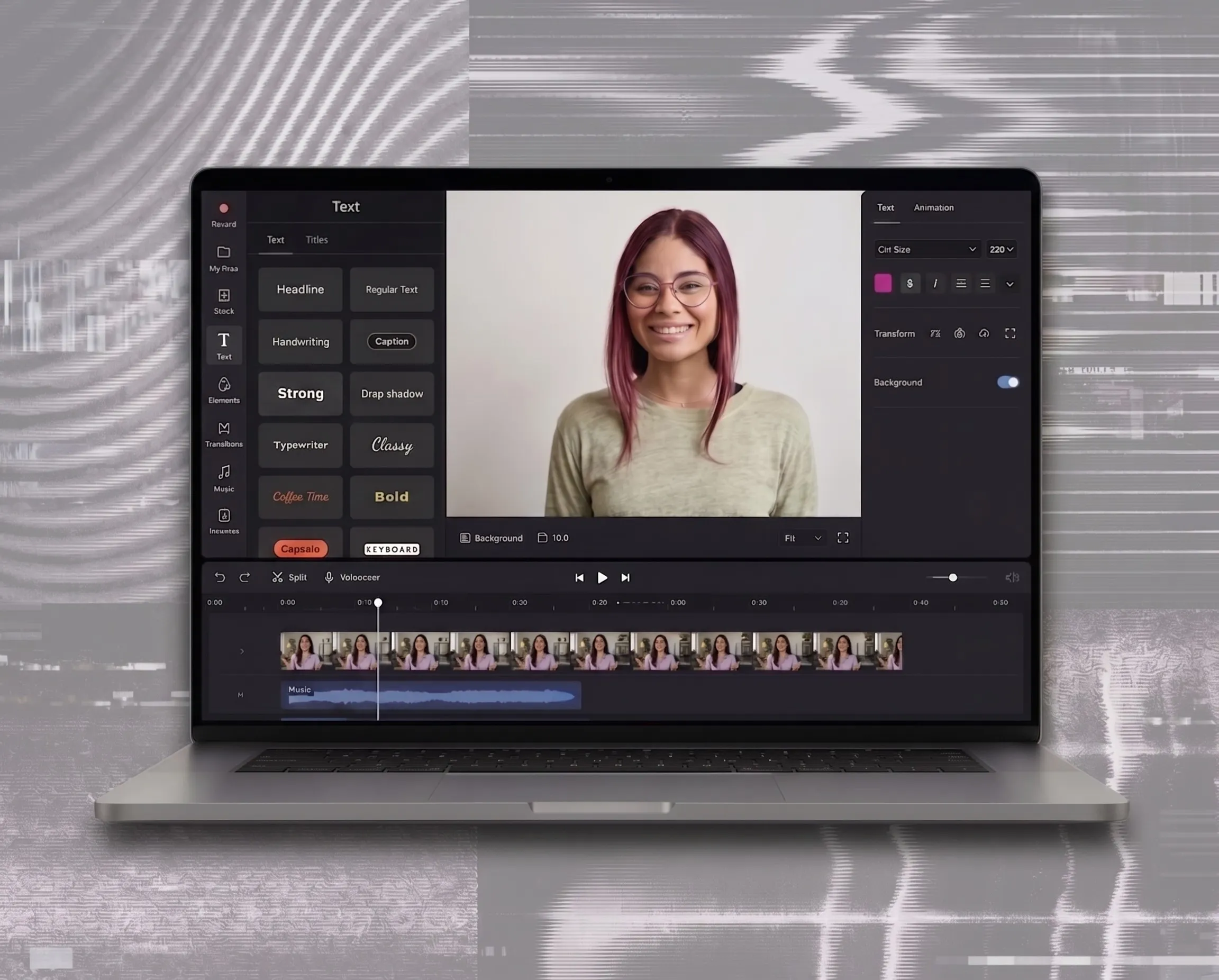
Professional Multi-Track Editing
Flashback Express includes a full-featured multi-track timeline, to perform frame-accurate cuts, split clips, and layer audio or other media for a polished, seamless final production that’s truly distinct.
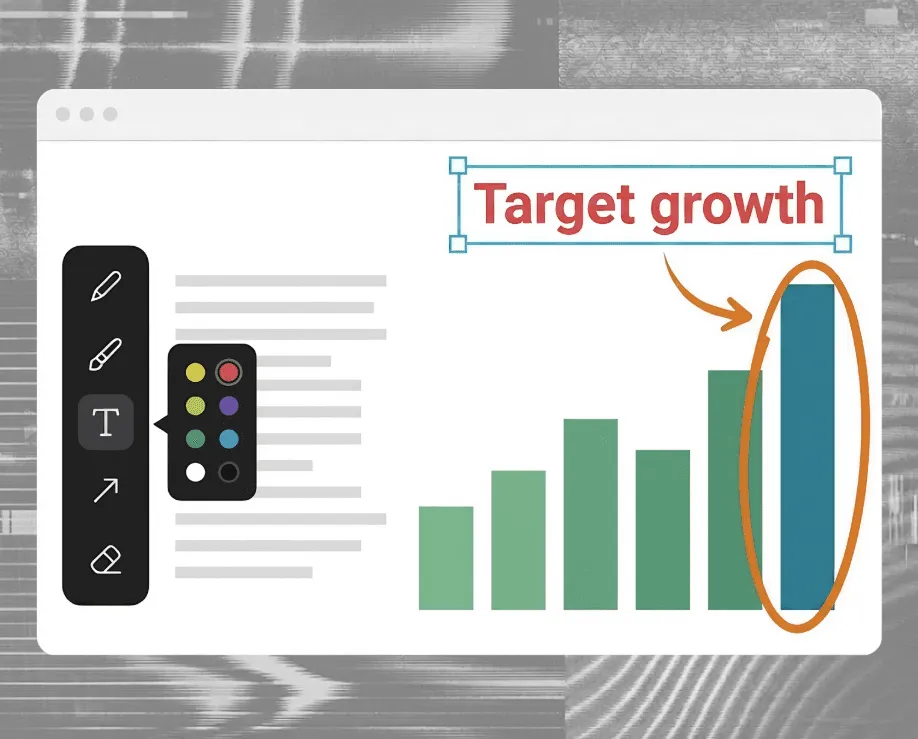
Enhance and Annotate Your Narrative
Go beyond basic recording and use Flashback Express to add callouts, text overlays, zooms, and other professional annotations to get your message across clearly.
Create a Video Library for Your Team
Build reusable training videos, onboarding guides, and demos with Flashback Express to store locally and share anywhere.

FAQ on Flashback Express vs Loom
Everything you need to know
Still comparing screen recorders? Here are a few things worth knowing before you choose.
What is Loom?
Loom is a screen recording tool built around quick video messages and sharing. You can record your screen, webcam, and audio, then send the recording with a link.
How does Loom work?
Record with the Loom desktop app, mobile app, or browser extension. Once you stop recording, your video is uploaded to Loom so you can edit, manage, and share it online.
What can I use Loom for?
Loom works well for quick updates, presentations, feedback, support, sales messages, and other videos designed to be shared with a link.
Can I use Loom for free?
Yes. Loom Starter is free, but screen recordings are limited to 5 minutes and you can store up to 25 videos per person.
Does Loom have recording limits?
On the free Starter plan, yes. Each screen recording can be up to 5 minutes long. Unlimited recording time is available on Loom's paid Business plans.
How much does Loom cost?
Loom Business currently starts at $18 per user per month, while Business + AI starts at $24 per user per month when billed monthly.
Can I edit videos in Loom?
Yes, although the editing tools vary by plan. Loom Business includes trimming, stitching, waveform editing, custom thumbnails, and other basic editing tools.
What's a good alternative to Loom?
Flashback Express is a strong alternative if you want longer screen recordings and more control over editing. The free version offers unlimited recording time and no watermark.
Why choose Flashback Express instead of Loom?
Loom is built mainly around recording and sharing quick video messages. Flashback Express is more suited to making customized professional videos.
Pro Results Without Premium Prices
Create broadcast-ready video tutorials, demos, and training assets without expensive monthly seats - check out Flashback Pricing. Looking for volume licensing, centralized billing, or enterprise onboarding? Let’s find the right plan for your team.

Record Without Limits for Free
Record high-resolution video with no time limits and no watermarks.
