

Trusted by teams at


Built for Teams That Need to Show, Not Just Tell
Provide the exact environment, timing, and behavior in every report.
Fix bugs faster with accurate context that saves your team hours.
Give your team the exact logs and visual evidence they need in one link.
Why Software Developers Choose Flashback Express
Catch the Bugs That Text Can’t Explain
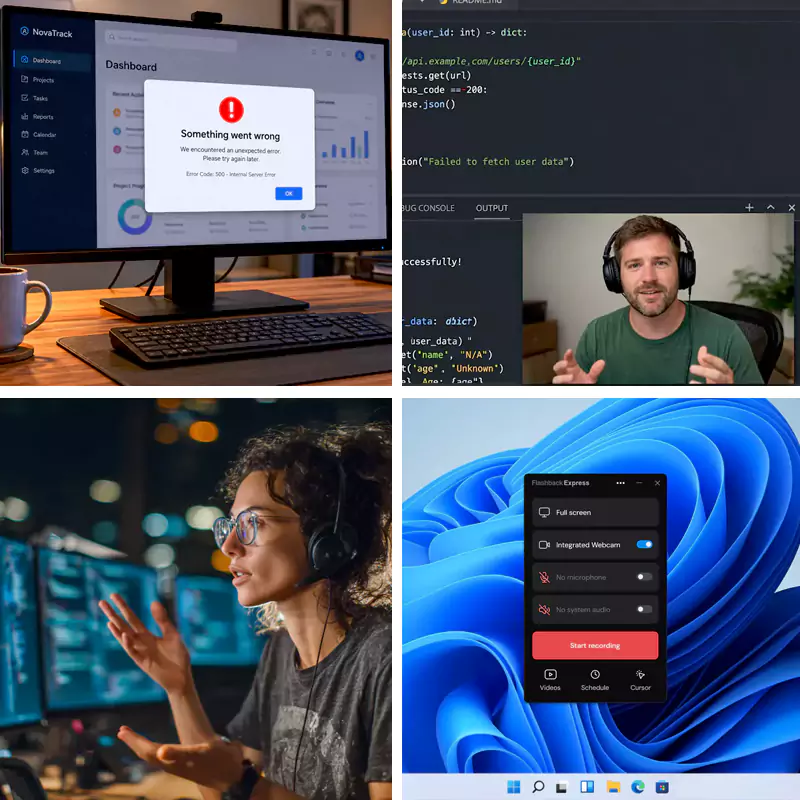
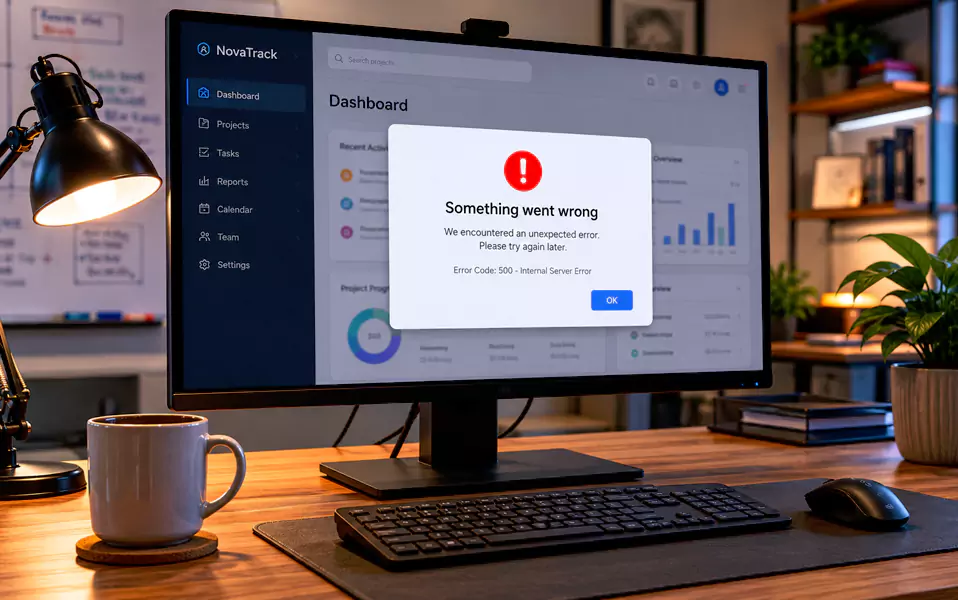
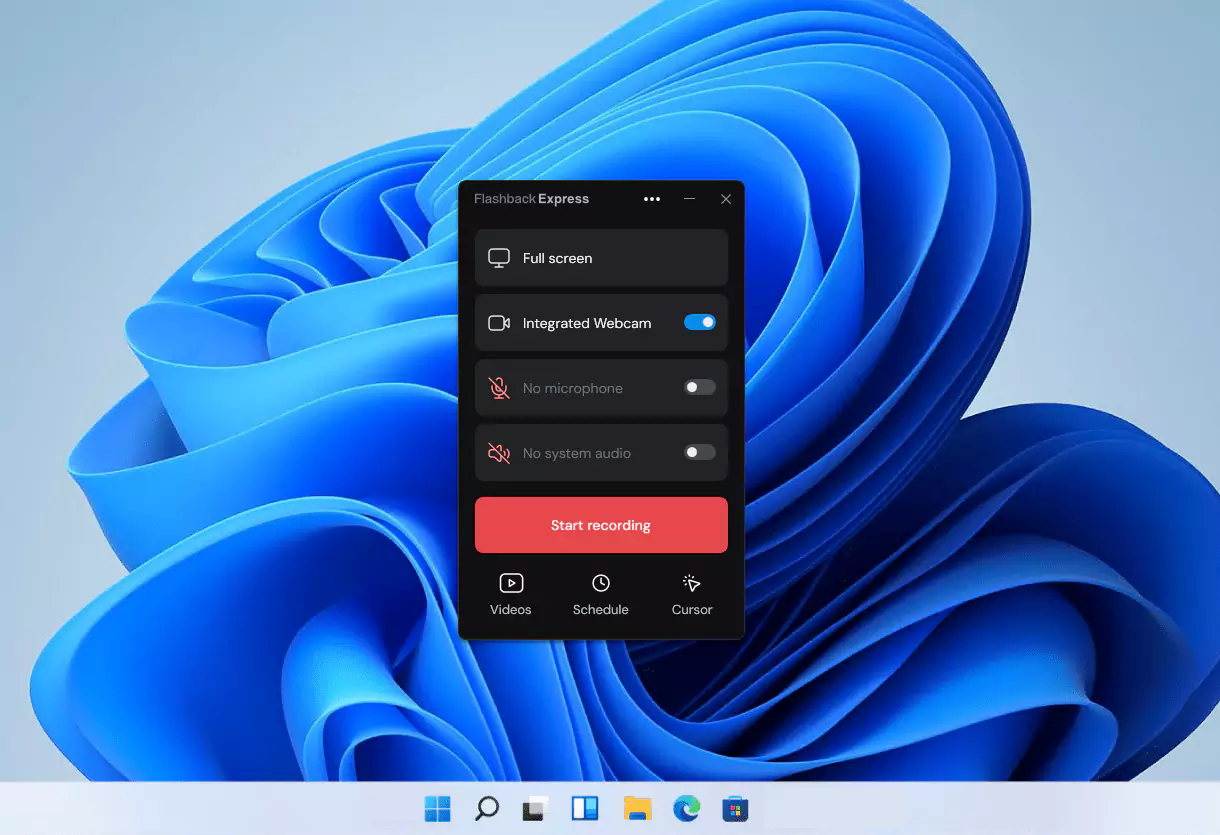
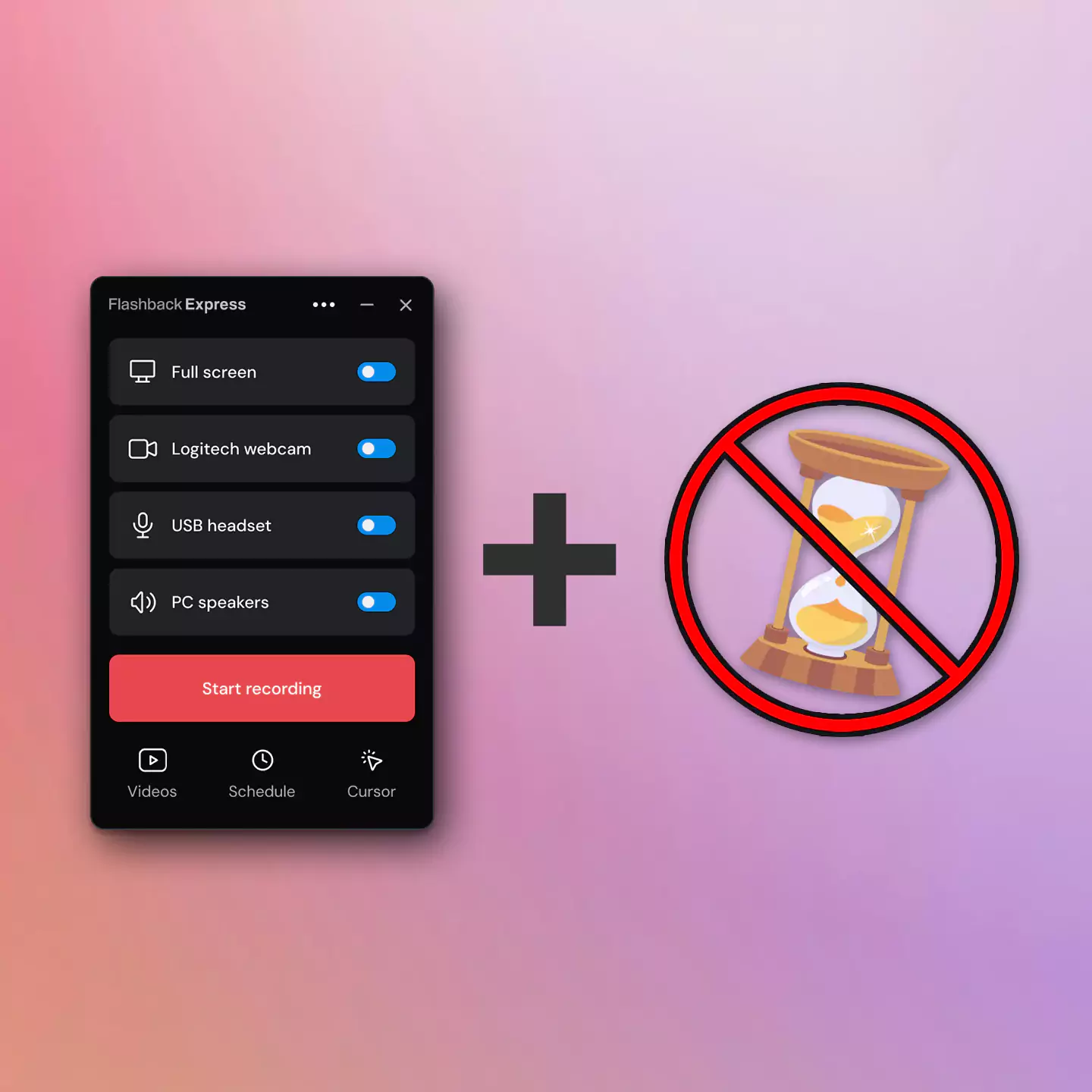
Stop the endless back-and-forth on Jira tickets. When a bug is hard to describe, just record it. Flashback captures your screen, system audio, and microphone together so your team sees and hears exactly what went wrong


Capture the Crash You Can't Recreate
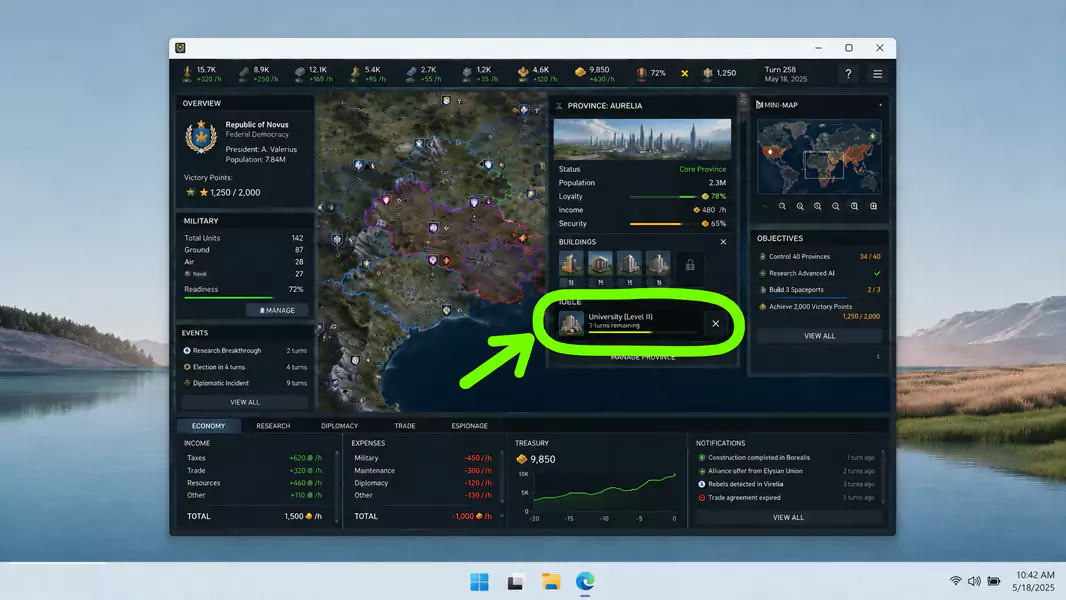
Hard-to-recreate bugs don’t wait for you to hit record but with Flashback Express recording continuously in the background, you’ll have frame-accurate proof of what happened and when.
Make Technical Handoffs Easier to Follow
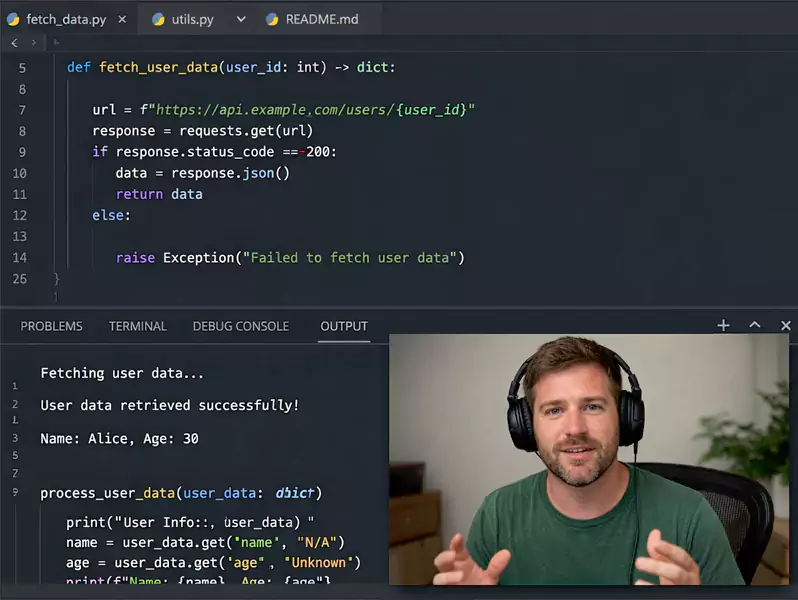
When explaining a code change or workflow, video fills the gaps. A short recording can replace a long meeting or messy thread, giving reviewers the detail they need on their own time.
How Software Teams Use Flashback
Start with the workflows that save the most time.

Record Bug Repro Videos
Capture the steps, timing, and visible evidence needed to reproduce a bug.

Engineering Walkthroughs
Explain code changes, technical decisions, and implementation details with async video.
Designed for Teams That Need to Show, Not Just Tell
Continuous Recording in the Background
Useful for bugs that are hard to reproduce on demand.
Capture Audio and Microphone
Helps preserve both the behavior and the explanation in one recording.
Cursor Highlights
Makes UI bugs and walkthrough steps easier to follow.
Helpful for longer repro sessions and internal walkthroughs.
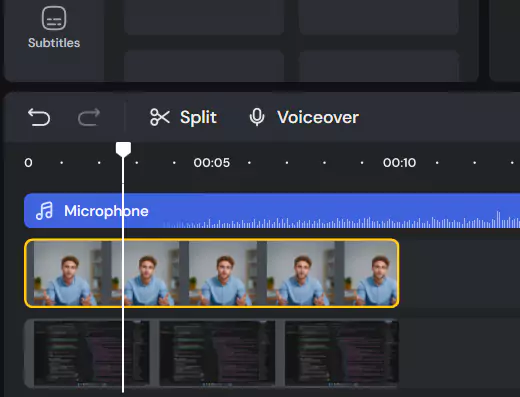
Lets teams remove dead space before sharing.
Useful when teams need annotations, blur, or more polished internal recordings.
A Recorder That Respects Your Environment
Frequently Asked Questions
Got a few more questions? We’ve got you covered.
What is the best way to record software bugs for developers?
The best way is to record the issue as it happens, including the screen, cursor movement, system audio, and any steps that lead to the bug. A short screen recording gives developers the visual context they often miss in written bug reports, making it easier to reproduce and diagnose the issue.
Can Flashback Express be used for bug reporting?
Yes. Flashback Express is useful for bug reporting because teams can record unlimited videos without watermarks, then share clear recordings of bugs, UI issues, error states, or confusing workflows. It is especially helpful when written repro steps are hard to explain.
Why use a screen recording instead of written repro steps?
Written repro steps are still useful, but they can miss timing, cursor movement, visual states, browser behavior, or unexpected UI changes. A screen recording shows exactly what happened, so QA, support, product, and engineering teams spend less time asking follow-up questions.
Can QA teams record audio with bug reports?
Yes. Flashback Express can record microphone audio and system audio, so QA testers can narrate what they are doing while capturing the issue. This helps developers understand what was expected, what actually happened, and where the workflow broke.
Can developers use Flashback Express for product demos or walkthroughs?
Yes. Software teams can use Flashback Express to record feature walkthroughs, sprint updates, internal demos, onboarding clips, and release notes. It is a simple way to show software behavior without setting up a live meeting.
Is Flashback Express free for software teams?
Flashback Express is free to use and supports watermark-free recording with no recording time limits. Teams that need more advanced editing, annotations, blur effects, audio work, or finer export control can upgrade to Flashback Pro.
Create Videos That Help Developers Take Action
Improve bug reports, enable better walkthroughs and communication with video.
