

How to Create Onboarding Videos
Help new hires get their first wins faster with short, clear onboarding videos they can replay on their own time.
Good onboarding videos turn repeated explanations into reusable guidance. Instead of relying on one live session and a stack of scattered notes, you give new hires a clear path they can pause, replay, and follow at their own pace.
That matters because onboarding usually breaks in the same places. Too much information lands at once. Key steps get skipped. Managers repeat the same walkthrough every week. Video helps because it gives teams using training video software a way to teach the same task clearly every time.
On Windows, the workflow is simple. We pick one onboarding moment, map the shortest path through it, record the screen, and trim the rough edges. Flashback Express fits naturally here because it is a free screen recorder with quick setup, no recording time limit, and watermark-free recordings.
What are onboarding videos?
Onboarding videos are short training videos that help new hires understand tools, workflows, and expectations without needing a live walkthrough every time.
A strong employee onboarding video is practical. It shows the task, explains why it matters, and helps the viewer follow along at their own pace.
Unlike a broad company welcome video, an onboarding walkthrough usually focuses on one real job. That might be logging into a tool, finding the right files, using a queue, or completing a first workflow correctly.
When should you create onboarding videos?
Create onboarding videos when a task is repeated often, easy to get wrong, or easier to show than explain.
This works well when you need to:
show new hires how to use a tool
explain a recurring process step by step
reduce repeat live training
support remote or async onboarding
give managers a reusable walkthrough
Recorded walkthroughs are useful because they remove pressure. New hires can stop, rewind, and try the task again without feeling stuck.
If your team also builds training videos, onboarding content often becomes the first layer in that library.
How do you create onboarding videos?
To create onboarding videos, choose one task, script the shortest useful path through it, record your screen with clear narration, and trim dead space before sharing. Good new hire training videos are short, specific, and easy to reuse.
Step 1: Start with one role and one task
Before you record, narrow the goal.
Do not make one giant onboarding video for everyone. That usually gets skipped. A better move is to build around one person and one job.
Ask:
Who is this for?
What do they need to do after watching?
What usually confuses them?
What should they try next?
Step 2: Choose the workflow, not the whole system
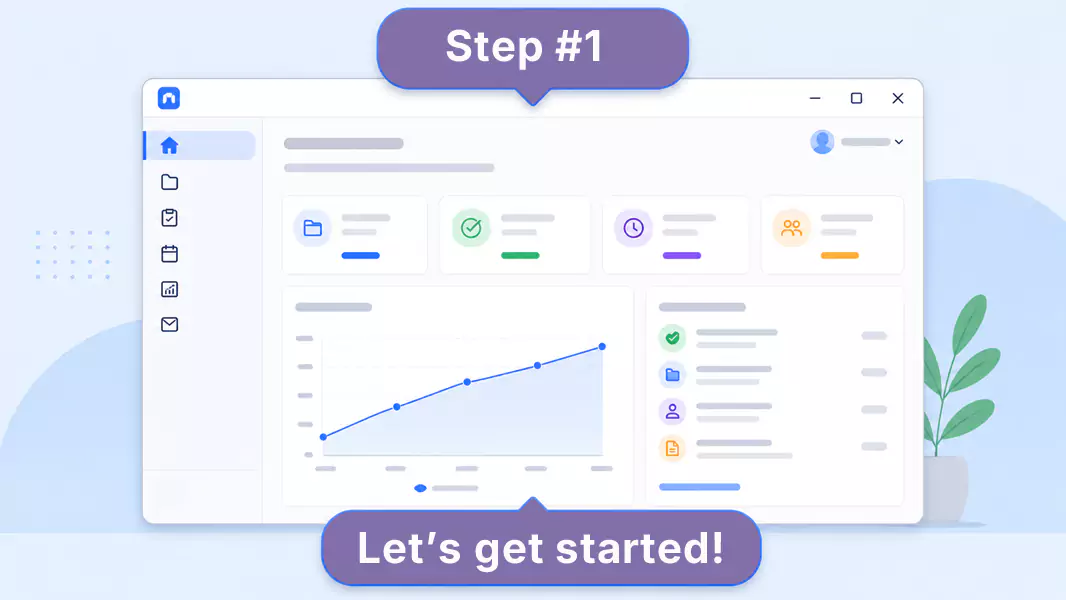
The best onboarding videos guide someone through one clear path from start to finish.
Good examples:
Setting up an account.
Submitting the first request.
Finding the right dashboard.
Updating a customer record.
Following the first approval flow.
We are not teaching the whole platform. We are helping someone get one win. If the goal shifts from first-time ramp-up to repeatable process accuracy, that is where SOP videos start to matter more.
Step 3: Prepare the screen before you record
Clean up the screen before you start.
Close unrelated tabs, mute notifications, and open only the windows you need. If the task involves private data, hide it before you record.
Use clean desktop setup + fewer distractions so new hires can focus on the workflow.
Use readable zoom and window size + clearer on-screen text so each step stays easy to follow.
Use the exact app state you want to teach + less confusion later so the learner sees the right version from the start.
Step 4: Talk through the why, not just the clicks
When you record, do not narrate every mouse move.
Instead, explain:
What the viewer is looking at.
Why this step matters.
What to watch out for.
What success looks like before moving on.
That is what makes onboarding videos feel helpful instead of mechanical.
Step 5: Keep the pace calm and steady
Go slow enough to follow, but not so slow that the energy drops.
Pause when the step changes. Let the viewer see where they are. If a screen has lots of options, point out only the one that matters right now.
Shorter onboarding videos usually land better than long ones. If a process is big, break it into a series.
Step 6: Review and trim the recording
Watch the video back before you share it.
Look for:
Rushed transitions.
Repeated explanations.
Dead time.
Extra tabs or mouse wandering.
Steps that need a clearer setup line.
If you need to trim awkward seconds at the start or end, do that. Keep the video clean.
Use Flashback Express to turn dry training docs into friendly, shareable guides.
What should a new hire video include?
A strong new hire training video usually includes five things:
A clear task or topic.
A short explanation of why it matters.
The exact workflow on screen.
One or two common mistakes to avoid.
The next step after the video ends.
What makes onboarding videos easier to follow?
The strongest onboarding videos usually do five things well:
They stay focused.
They sound human.
They show the real workflow.
They explain the why.
They end with action.
What common mistakes should you avoid?
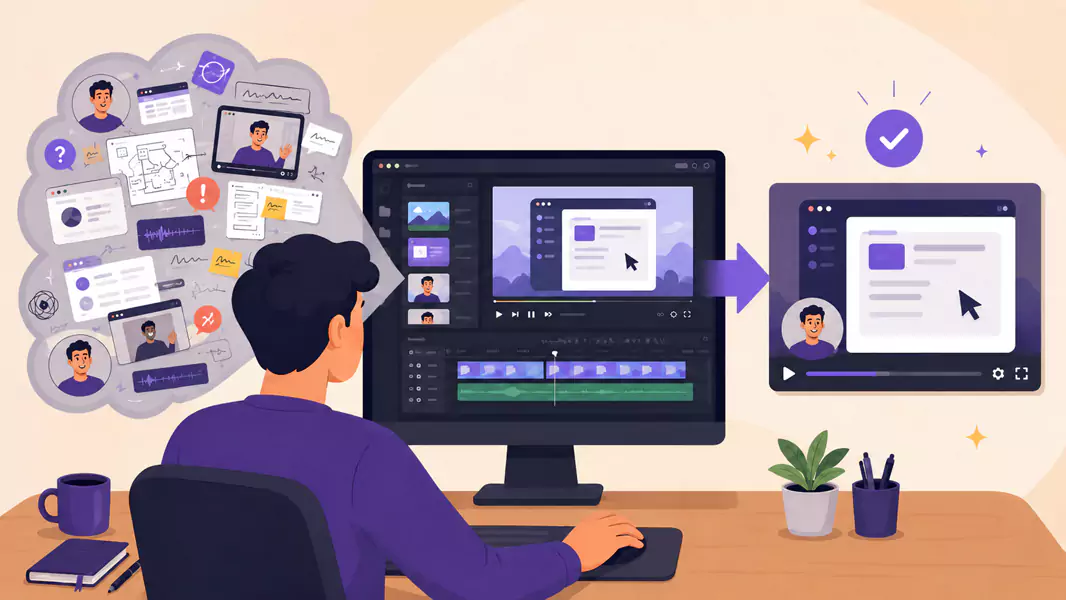
Avoid these common problems:
Making one giant welcome video.
Showing too much at once.
Explaining clicks without context.
Recording without a plan.
Ending without a next step.
Why use Flashback Express for onboarding videos?
Flashback Express lets you record onboarding videos quickly on Windows without running into recording time limits. The recording itself stays watermark-free, which is helpful when you want clean training content without extra friction.
It is a practical fit for onboarding walkthroughs because you can capture the screen, explain the process with microphone narration, and trim obvious dead space before sharing. It also sits naturally alongside training videos for broader teaching and SOP videos for repeatable process documentation.
Frequently Asked Questions
How do I create onboarding videos?
Start with one role and one task, map the shortest workflow, record the screen with clear narration, trim the rough edges, and store the video where new hires can find it easily.
What should a new hire video include?
A new hire video should include the task, the reason it matters, the exact steps on screen, common mistakes to avoid, and the next action the viewer should take.
How long should onboarding videos be?
Long enough to teach one task clearly, but short enough to finish without losing focus. Smaller videos usually work better than one long recording.
What is the difference between onboarding videos and training videos?
Onboarding videos help someone get started. Training videos usually go broader or deeper over time.
Should I use webcam in an onboarding walkthrough?
Only when it helps. Screen-first usually works best when the workflow needs full attention.
Use Flashback Express to turn dry training docs into a friendly, personal welcome that stays with your team.
