



Trusted by teams at


Built for Customer Support Teams That Want Results
Answer customers more clearly
Use short recordings to show the fix instead of trying to explain every step in text.
Resolve repeat questions faster
Turn common support explanations into reusable videos your team can share again and again.
Reduce confusion and back-and-forth
Give customers a clearer view of what to click, what to expect, and how to move forward.
Why Customer Support Teams Choose Flashback
Some support issues are much easier to solve when the customer can see the steps in action. Flashback helps teams record short replies that make instructions clearer and easier to follow than a long written explanation.
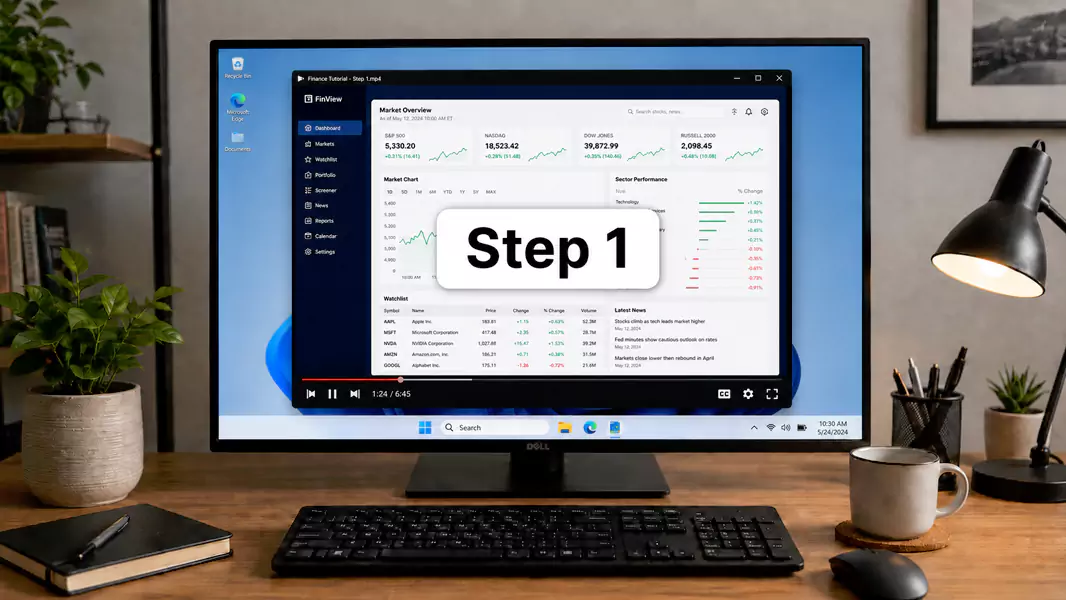



Make Support Replies Feel Faster and More Personal
A short screen recording can often answer a question more clearly than several back-and-forth messages. It gives support teams a way to respond with more context while still keeping the workflow efficient.
Turn Repeat Questions Into Reusable Help Content
When the same issues come up again and again, support teams need more than one-off answers. Flashback makes it easier to turn common explanations into help videos that can be shared with many customers, not just one.



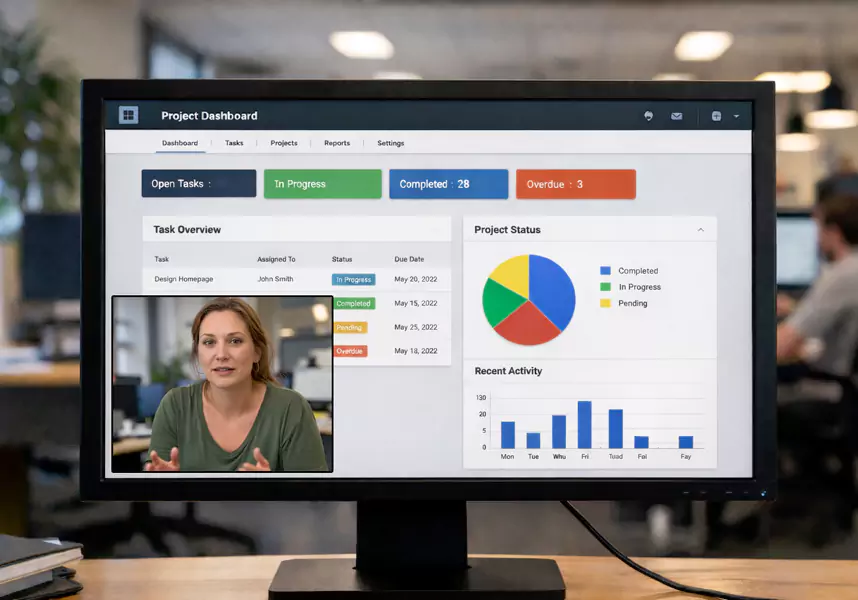
Make Product Guidance Easier to Follow
Feature explanations, step-by-step fixes, and product guidance are easier to understand when customers can watch the process instead of piecing it together from text alone. That leads to fewer misunderstandings and a smoother support experience.
How Support Teams Use Flashback
Help your customers get unstuck faster with workflows built to quickly solve common questions.

Send Video Support Replies
Record short, case-specific responses that show customers exactly how to fix the issue they are dealing with.
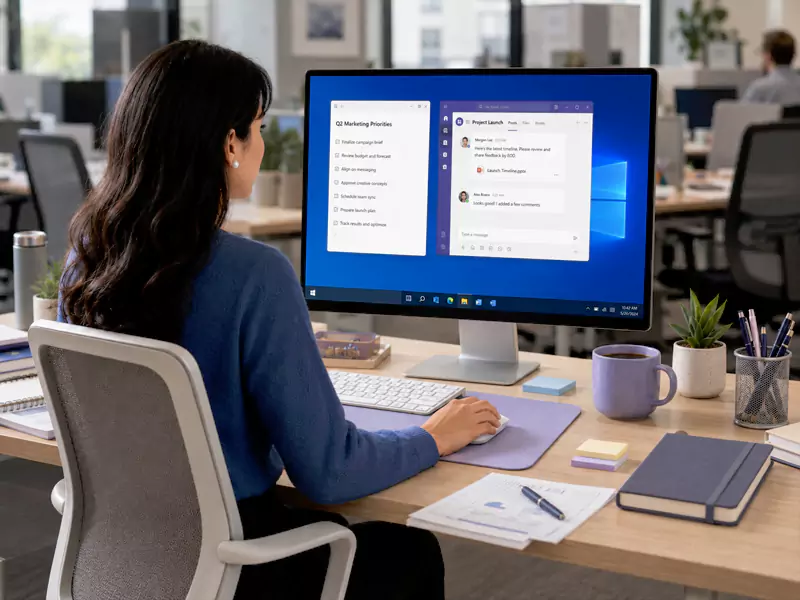
Create Help Center Videos
Turn common feature questions and recurring support issues into reusable videos customers can watch on demand.
The Features You Need to Support Customers
Screen, Mic and Webcam Recording
Record the workflow, the explanation, and the human context together when that makes training easier to follow.
Unlimited Recording, No Watermarks
Useful for longer walkthroughs, onboarding videos, and training sessions that need to run without interruption.
Cursor Highlights
Helps learners track where to click and what to focus on during a process walkthrough.
Simple Trimming and Cleanup
Remove pauses, mistakes, or setup time before sharing a training video internally.
Easy Recording for Repeatable Content
Makes it practical to turn everyday explanations into reusable internal resources.
Advanced Editing
Helpful when teams want more polished onboarding assets, clearer callouts, or tighter edits for internal training libraries.
Real Benefits, Effective Results From Flashback Express
Built for practical Windows-based support workflows
Quickly remove setup time or unnecessary pauses before sending a reply or publishing a help video.
Good for one-to-one replies and reusable help content
Use it for direct customer answers, recurring feature questions, or reusable help center resources.
Express is an easy way to get started
Flashback Express removes watermark and recording-limit friction so support teams can start recording without extra barriers.
Add more polish when needed
For more refined customer-facing content, Flashback has deeper editing to enable more control over the final result.
Frequently Asked Questions
What is the best screen recorder for customer support?
The best screen recorder for customer support is one that helps teams show the answer clearly, respond quickly, and reuse helpful explanations. Flashback is built to keep that process simple.
Can I use Flashback Express for customer support replies?
Yes. Flashback works well for recording short support replies that show customers what to do instead of only describing it in text.
Is Flashback Express good for help center videos?
Yes. It is useful for creating reusable feature guides and support videos customers can watch when they need help.
Is Flashback Express enough to get started?
For many teams, yes. Express is a strong starting point for support replies and help videos. Pro is there when you need more editing control.