

How to Record Training Videos
Build training videos people can actually use, not long recordings they abandon halfway through.
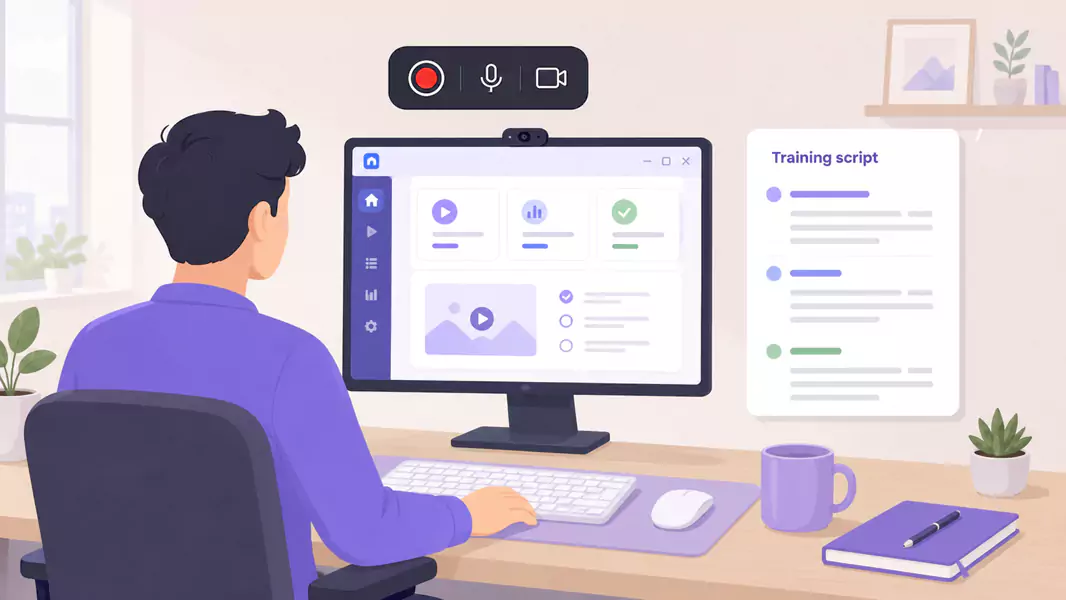
Good training videos help people learn one thing clearly and then use it. That sounds simple, but a lot of training content gets bloated fast. We try to cover too much, add too many side notes, and end up with a long video nobody wants to revisit.
A better workflow is tighter. Pick one lesson, show the exact process, explain why it matters, and give the viewer a clear next step. That is what makes reusable training content actually reusable. For teams investing in training video software, this page is the broadest practical workflow in the cluster.
On Windows, the setup is simple. Choose the lesson, map the flow, record the screen with clear narration, and trim the rough edges before sharing. Flashback Express fits naturally here because it is a free screen recorder with quick setup, no recording time limit, and watermark-free recordings.
What are training videos?
Training videos are instructional videos that help someone learn a task, process, or workflow in a repeatable way.
A strong training video is focused. It teaches one lesson clearly, shows the process on screen, and gives the viewer something practical to do after watching.
Unlike a one-off meeting recording, a reusable training video is built to be watched again.
When should you record training videos?
Record training videos when a lesson needs to be repeated often, shown visually, or delivered consistently across teams.
This works well when you need to:
teach a recurring workflow
support remote or async learning
build reusable training content
reduce repeated live sessions
create microlearning videos for specific tasks
If the goal is early role ramp-up, start with onboarding videos. If the goal is repeatable process accuracy, pair training with SOP videos.
How do I record training videos?
To record training videos, choose one lesson, plan the shortest useful path through it, record your screen with clear narration, and trim anything that slows the pacing. The best training videos are focused, reusable, and easy to revisit.
Step 1: Choose one lesson
Before you record, narrow the lesson.
A single video should answer one core question, teach one workflow, or solve one recurring problem. That keeps the content easier to watch and easier to reuse.
Step 2: Build a simple outline
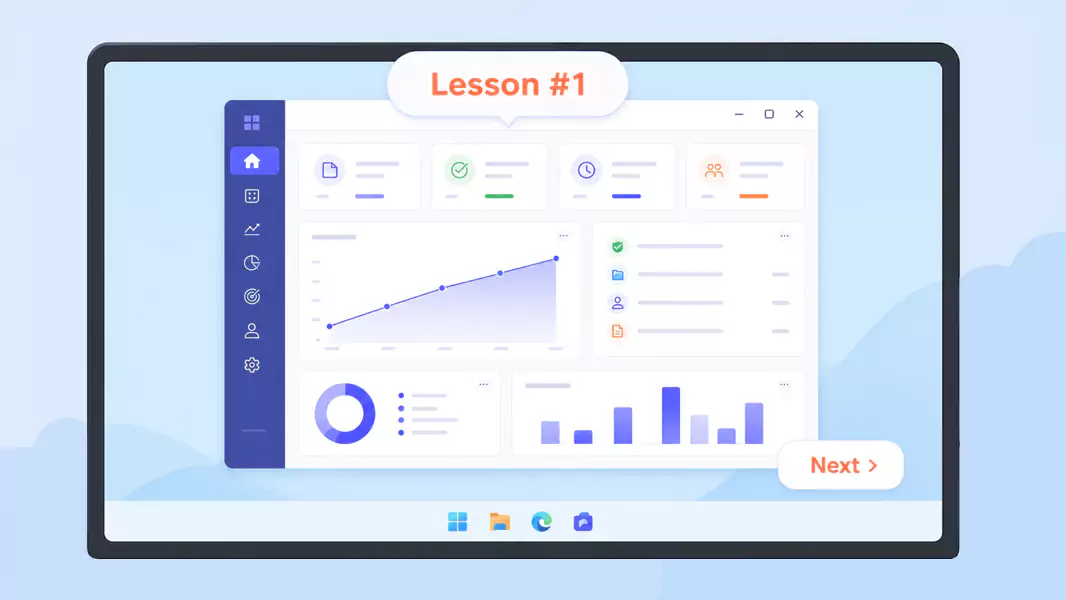
Map the lesson before you hit record.
A quick outline helps you avoid rambling and keeps the training video tight.
Use a simple structure:
what the lesson covers
why it matters
the workflow or task
one mistake to avoid
what the learner should do next
Step 3: Prepare the training environment
Set up the screen the way you want learners to see it.
Close unrelated tabs, silence notifications, and open only the windows needed for the lesson.
Use clean recording setup + less visual noise so the learner can follow the flow.
Use readable zoom and window sizing + clearer instructional detail so text and controls stay legible.
Use the real workflow state + smoother transfer to live work so the learner sees the process as it actually happens.
Step 4: Record the lesson clearly
Start with a short framing line, then move into the process.
Explain:
what the learner is looking at
what action comes next
why the step matters
how they know they did it right
This is where a lot of employee training videos lose people. They narrate every click, but not the reason behind the step.
Step 5: Break big topics into smaller videos
If the lesson grows too big, split it.
Microlearning videos usually work better than one long recording. They are easier to assign, easier to find later, and easier to update when the process changes.
Step 6: Review and trim for reuse
Watch the training video before you publish it.
Look for:
repeated explanations
slow openings
dead time
cluttered screens
steps that need a clearer explanation
Trim what does not help the learner.
Use Flashback Express to record clear training videos your team can pause, replay, and learn from.
What makes a good employee training video?
A good employee training video is easy to follow, focused on one lesson, paced for the learner, and built around a workflow someone can actually use.
The strongest training videos usually:
teach one thing at a time
explain the why behind the step
show the real task on screen
stay short enough to finish
end with a clear next action
Why are training videos effective?
Training videos work because they combine visual context with spoken explanation.
That matters when a learner needs to:
see the workflow
hear the reason behind the step
revisit the process later
learn without waiting for a live session
build confidence through repetition
What common mistakes should you avoid?

Avoid these common problems:
Combining too many workflows in one video.
Skipping setup conditions.
Talking over the important step too quickly.
Recording with sensitive data visible.
Storing the video where nobody can find it later.
Why use Flashback Express for training videos?
Flashback Express is a strong fit for training videos on Windows because it lets you record without a time limit, keep the recording watermark-free, and clean up obvious rough edges before sharing.
That makes it easier to create reusable training content without adding a lot of production overhead. It also connects neatly with onboarding videos for early ramp-up and SOP videos for repeatable process capture.
Frequently Asked Questions
How do I record training videos?
Choose one lesson, outline the flow, record the screen with clear narration, trim dead space, and store the finished video where learners can find it.
What makes a good employee training video?
A good training video is focused, practical, easy to follow, and tied to one clear outcome.
How do I make training videos reusable?
Keep each video narrow, name it clearly, store it in the right place, and avoid bundling too many topics into one recording.
Should I create microlearning videos instead of longer lessons?
Often yes. Shorter videos are usually easier to watch, assign, and update.
How long should training videos be?
Long enough to teach one lesson clearly, but short enough to hold attention and stay reusable.
Use Flashback Express to turn knowledge into useful, shareable tutorials that work time after time.
