
Trusted by teams at

Built for Teachers Who Want Results
Record Lessons That Students Rewatch
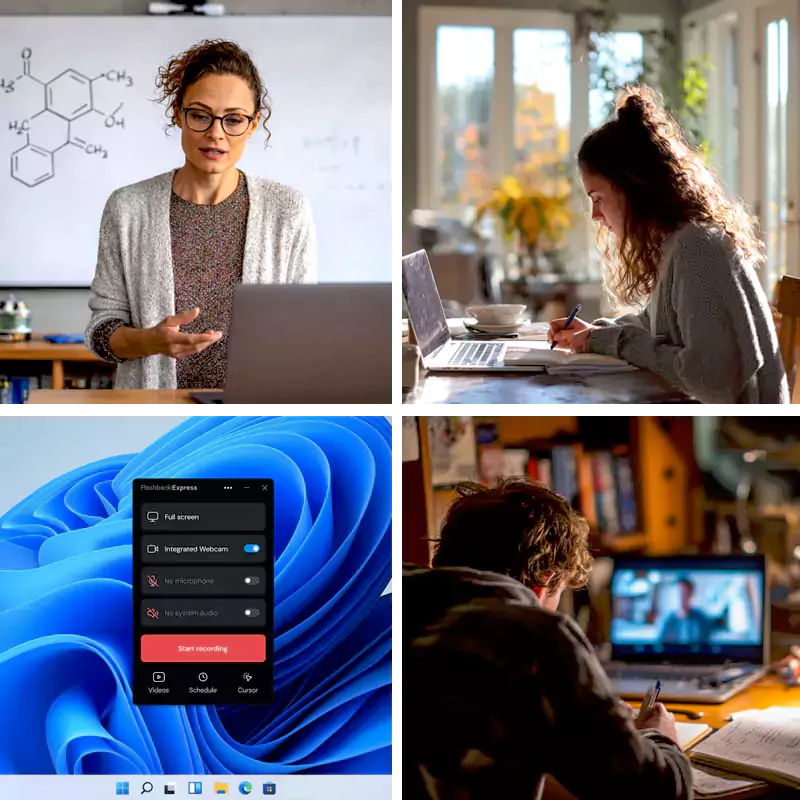
Allow students to revisit lessons whenever they need them. Great for revision, catch-up work, and independent learning.
Record personal feedback that students can act on. Explain what worked, what to improve, and what to do next without rewriting notes.
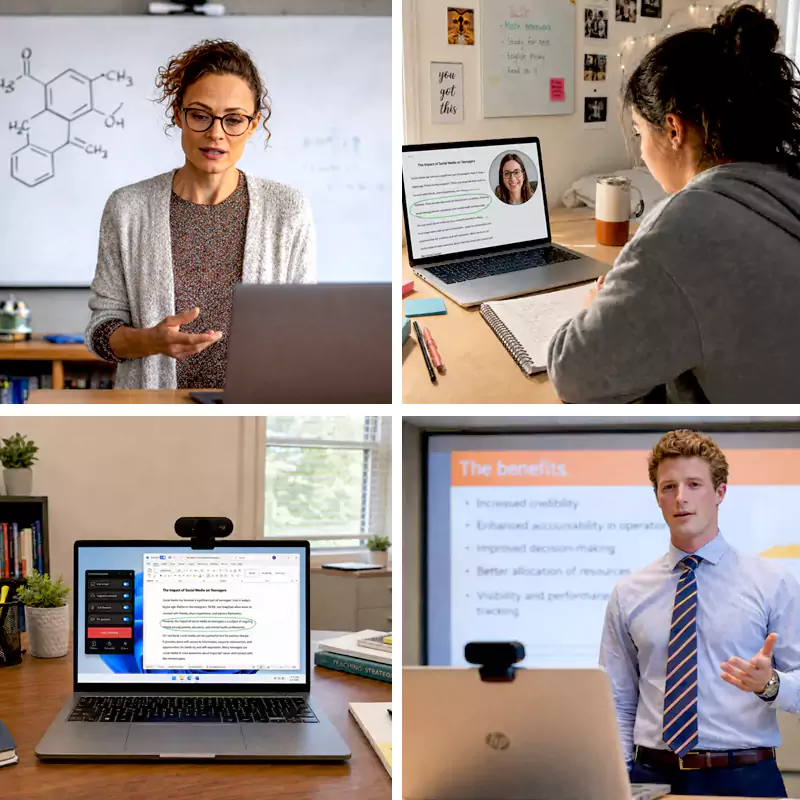
By adding your voice, you can make slides into guided video lessons that students can follow at their own pace.
Why Teachers Choose Flashback Express
Simplify Asynchronous Learning
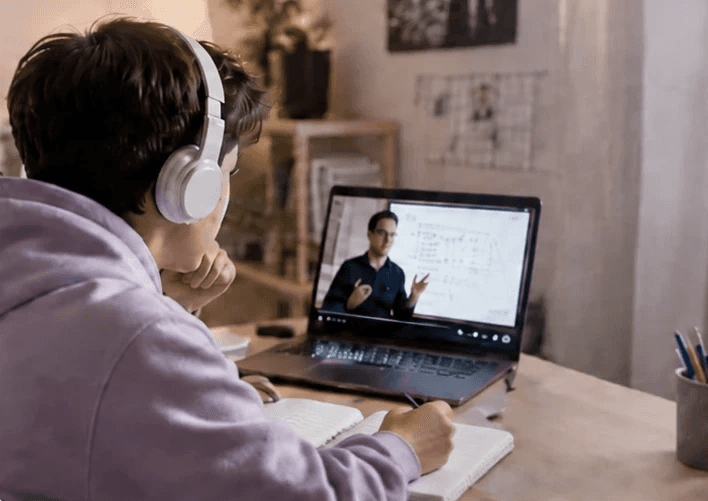
Record lessons once and build a permanent library of resources that allows students to revisit complex topics at their own pace.


Personalize Student Feedback
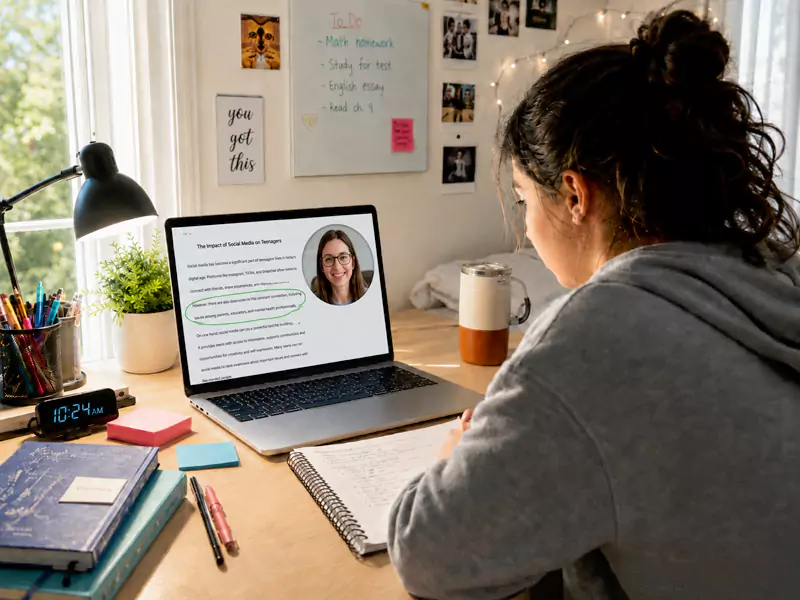
Replace long, written comments with short, clear screen-recorded walk-throughs that help students understand exactly why they made a mistake.

Transform Static Lessons
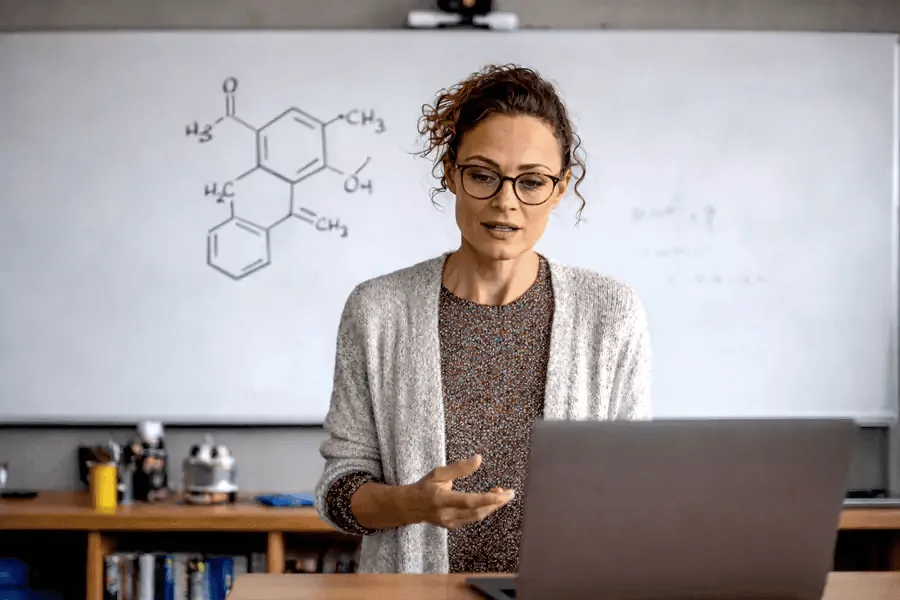
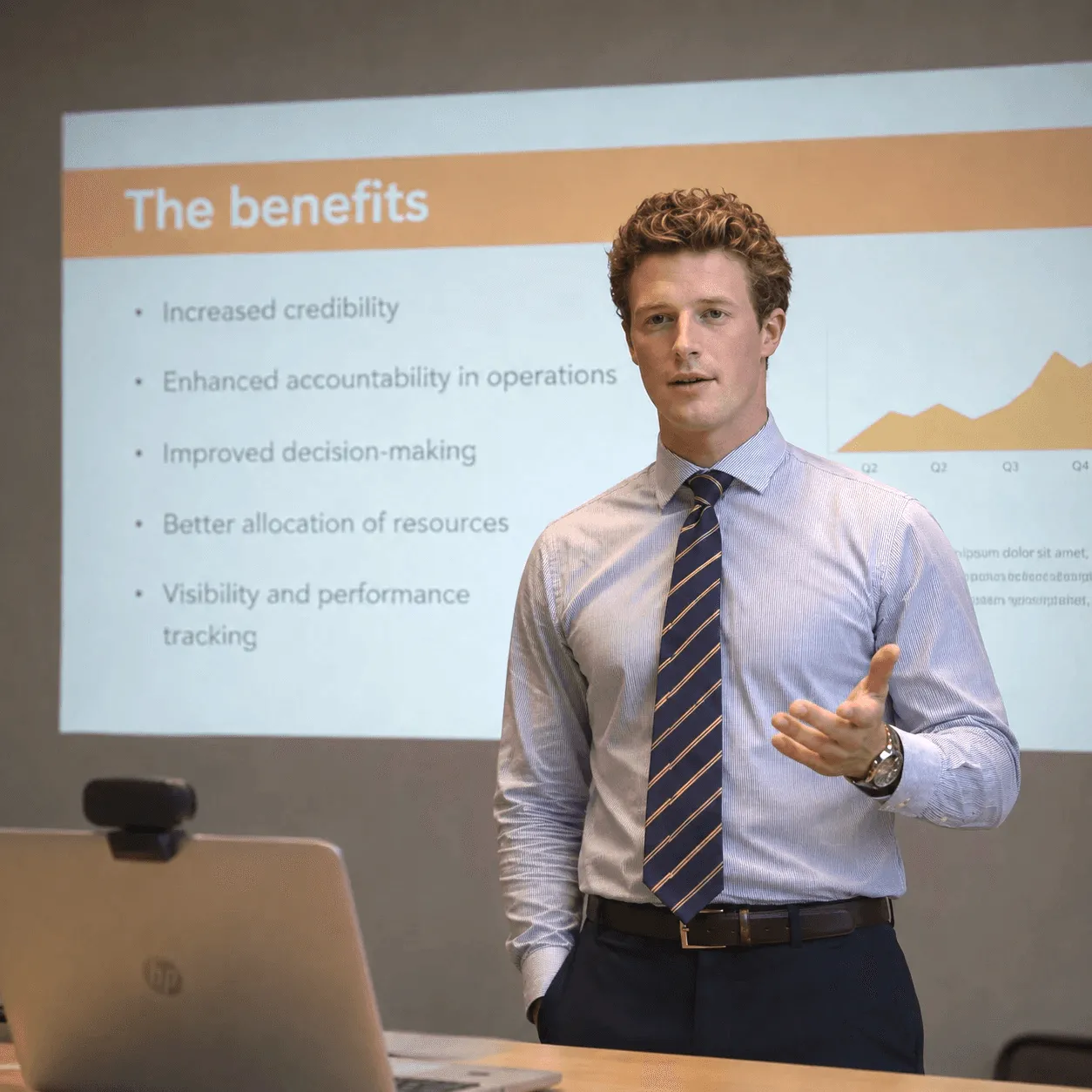
By adding a narration to your existing presentations, turn static slides into guided video lessons that students can follow at their own pace.


Essential Tools for Engaging Lessons
Stop worrying about technical hurdles and focus on your teaching. These features help you create clearer, more professional video in seconds.
All-in-One Multi-Track Recording
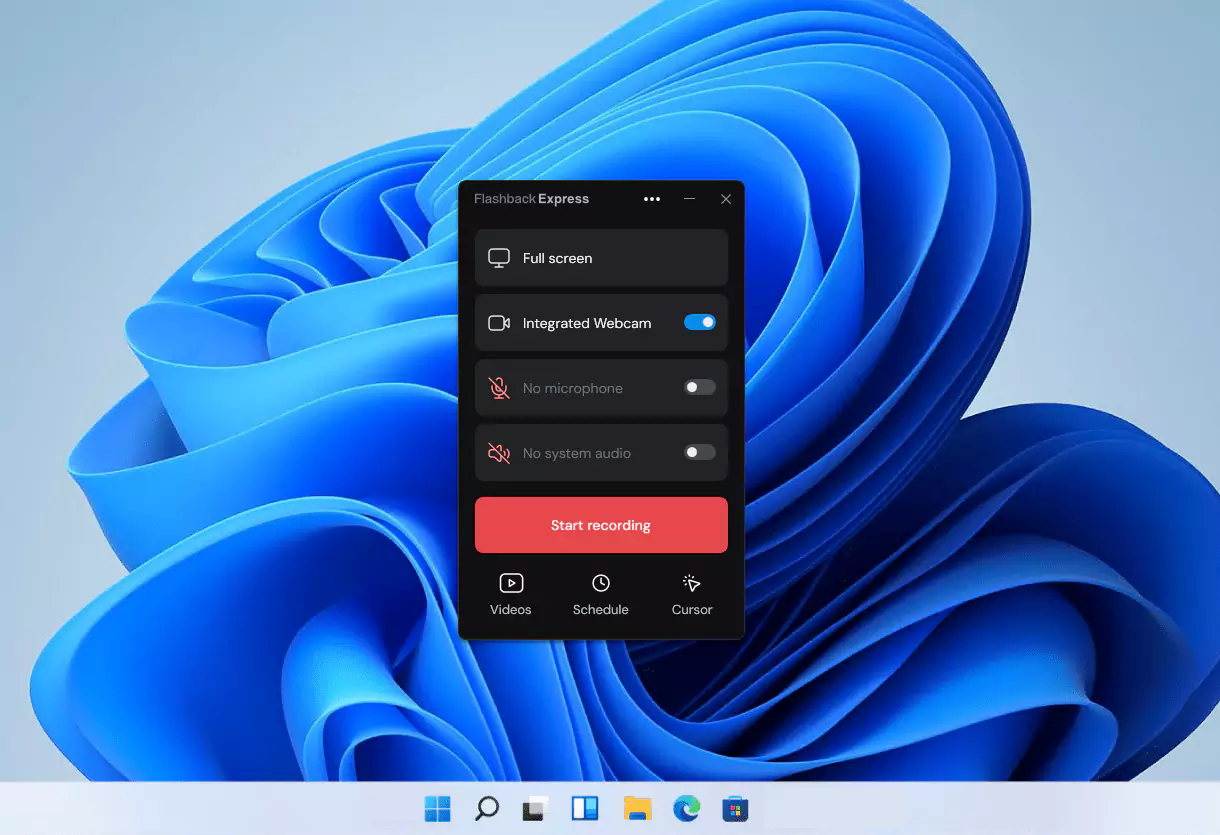
Capture your screen, voice, and facecam simultaneously to provide a personal teaching experience even when you aren't in the room.
Interruption-free learning
With no watermarks or recording limits, Flashback Express ensures your lessons remain professional and distraction-free.
Precise Editing Made Simple
Easily cut out long pauses, accidental silences, or setup time so students get exactly what they need the moment they press play.
High-Visibility Cursor Tracking
With automatic cursor highlighting, students can follow your mouse movements, even on dense spreadsheets or complex demos.
PowerPoint & Google Slides Integration
Transform your existing slide decks into dynamic video lessons. Simply narrate your presentation and export it as a shareable video.
Unlock Advanced Editing Features
Get started with unrestricted, free recording and when ready, upgrade to add a professional polish with precision editing tools.
Frequently Asked Questions
What is the best screen recorder for teachers?
The best screen recorder for teachers is one that makes it easy to record lessons, explain slides, and share feedback without adding extra friction. Flashback is designed to keep that process simple.
Can I record lessons students can watch later?
Yes. You can record video lessons that students can revisit for review, catch-up, or independent study.
Can I use Flashback Express to record Google Slides with narration?
Yes. Flashback can record your screen while you talk through your slides, making it useful for turning presentations into lesson videos.
Is Flashback Express enough to get started?
For many teachers, yes. Express is a strong starting point for recording lessons, feedback, and slide-based videos. Pro is available if you need more editing control later.