

Flashback Express is a free screen recorder that captures your screen, webcam, and audio to create video tutorials and marketing content.
Flashback Express screen recorder is for Windows 10, 11
Loved by over 1 million users from some of the world's best companies


Pro Screen Recorder Features
Everything you need to create polished video content.
Record screen, camera and audio on separate tracks
Draw on-screen while recording with live annotation
Schedule recording ahead of time for live events
Use gifs, stickers, images and shapes to illustrate ideas
Generate subtitles with advanced AI speech recognition
Enhance recordings with powerful video editing tools
Highlight your mouse cursor to help viewers follow along
Bring videos to life with animation and effects
Create professional AI voiceover narration
Multi-monitor recording captures all your screens
Screen Recording Simplified
Easily record screen, video, camera, microphone and system audio all at once.
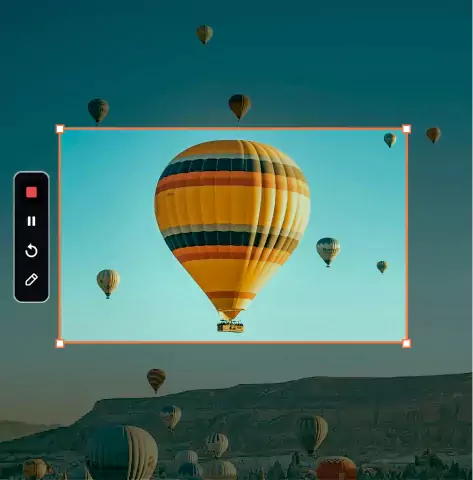
Record Screen
Capture your entire desktop screen, application windows, or custom regions with smooth, lag-free, high-performance HD.
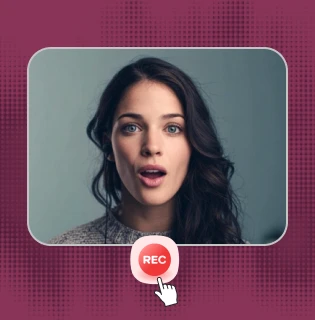
Record Webcam
Add a human touch to recordings by capturing your webcam alongside your screen. Easily move and resize your camera window.
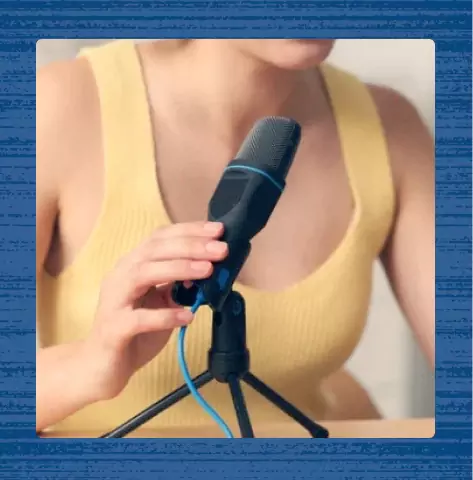
Record Audio
Record high-quality microphone narration and system audio for a professional finish, ensuring your message is heard loud and clear.
Start recording in seconds with a free screen recorder that fits your workflow.
More Than a Free Screen Recorder
Flashback Express is a robust screen recorder with tools that help you explain complex ideas.
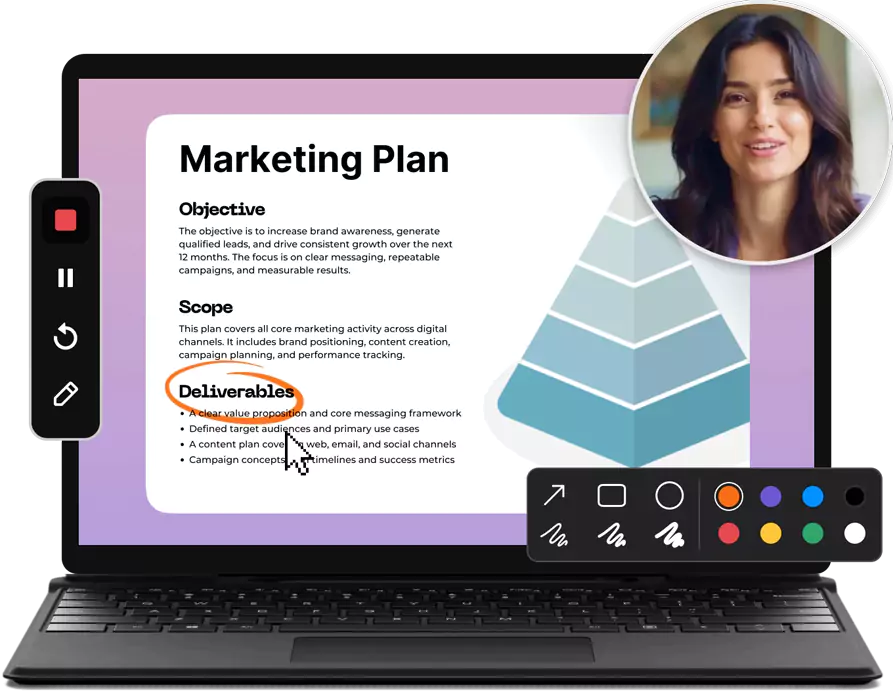
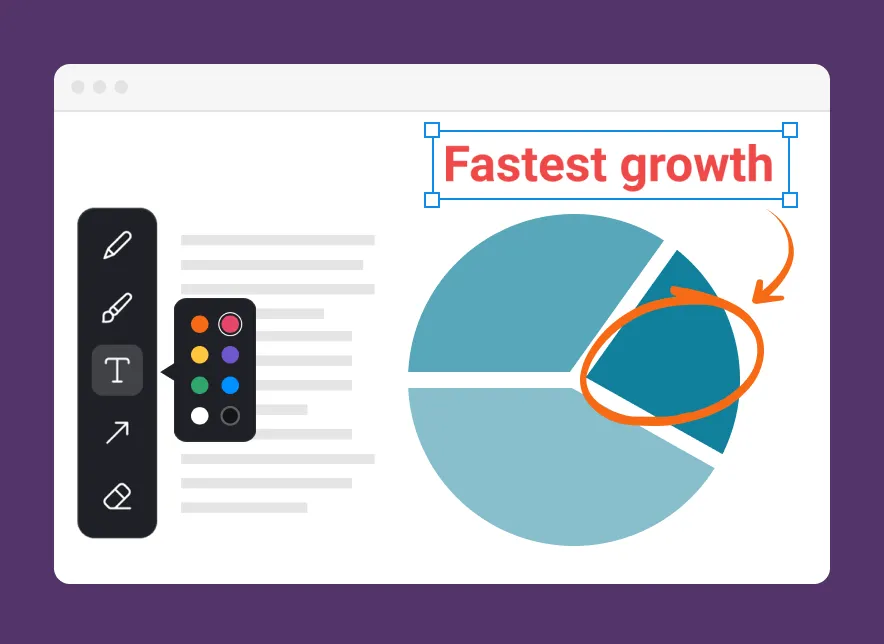
Draw While You Record
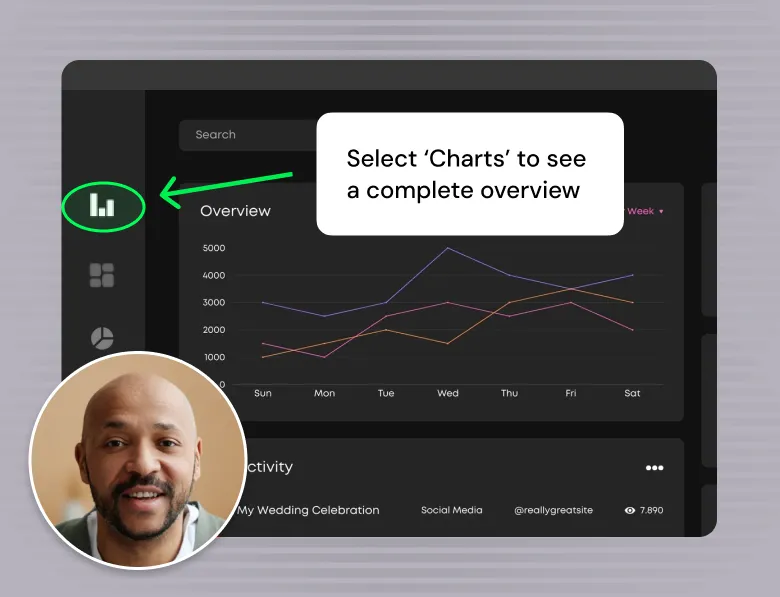
Highlight key points live. Use shapes, freehand drawing, and cursor effects to ensure your audience follows every step. Whether recording a demo or classroom lecture, annotation tools ensure your message always get noticed.
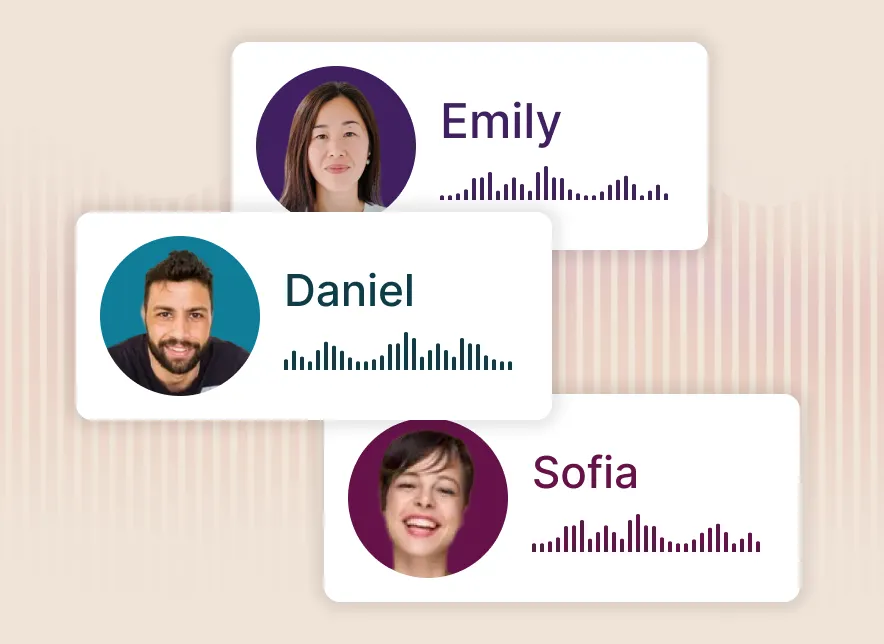
Instant AI Narration
Replace your recorded narration with a natural-sounding AI voice in just a few clicks. Choose from multiple voices and languages to improve clarity, stay consistent across videos, or protect your privacy without re-recording anything
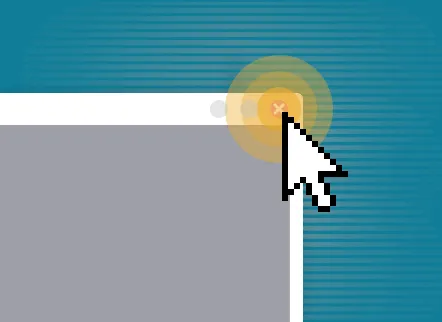
Highlight Cursor Actions
Capture the mouse cursor and customize how it looks. Add a colored highlight to show its path, and apply click ripples that pulse whenever you interact with a button or menu, making every action obvious and easy to follow.
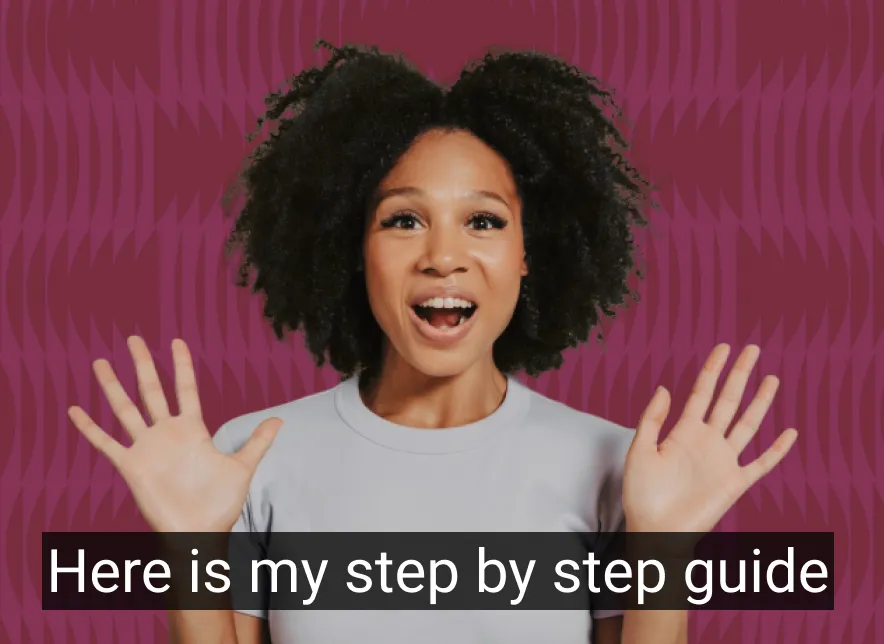
Automatic Subtitles
Generate automatic subtitles quickly and edit them to match your style. Automatically translate your captions into different spoken languages to support an international audience, so your videos are accessible and easy to watch even without sound.
Record Your Screen and Create Polished Videos
Add effects, zoom in on key moments, and style your video to make recordings look great.
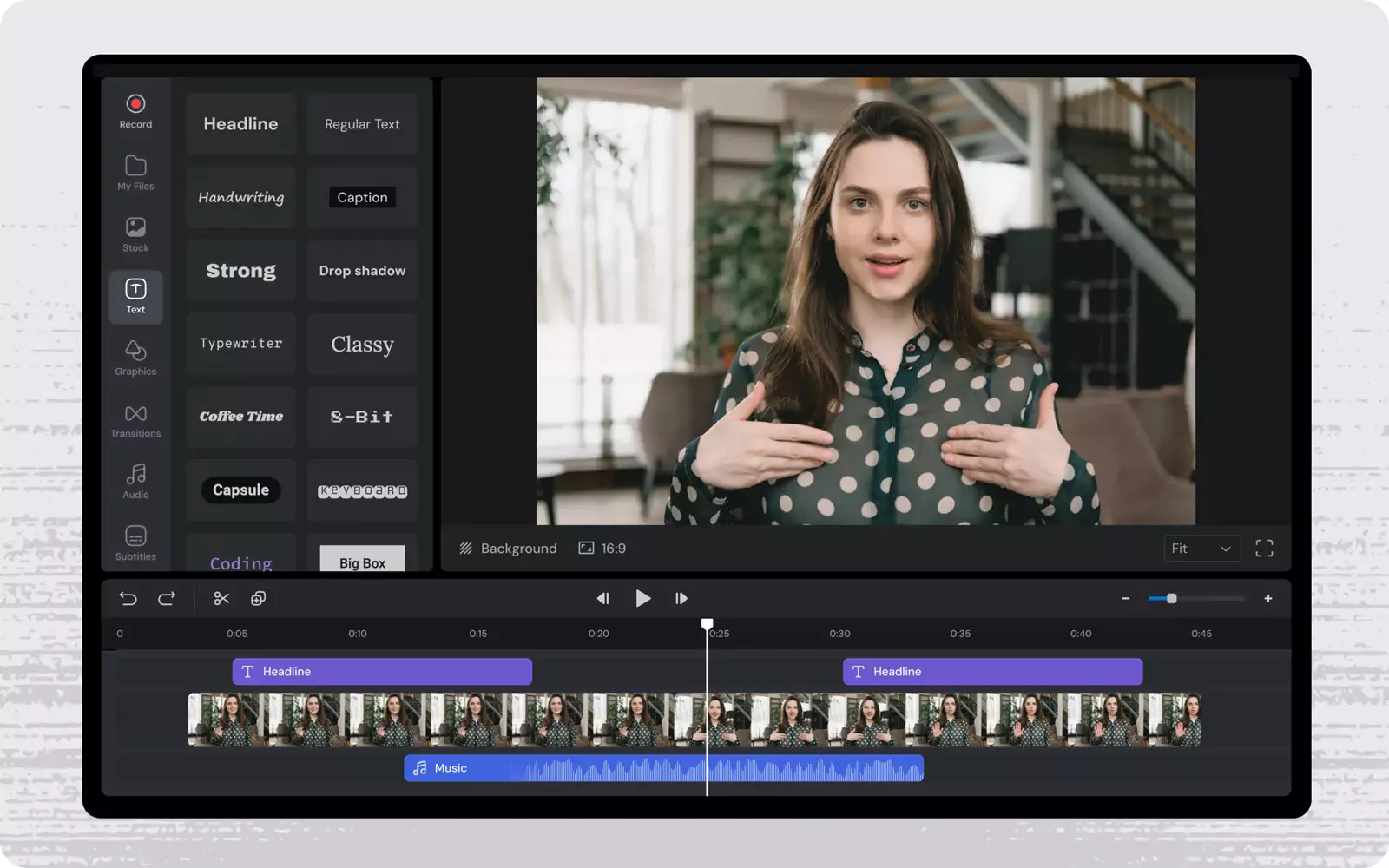
Multi-Track Control
Manage your screen, webcam, and audio tracks simultaneously to ensure every element falls perfectly into place
Fast Trimming
Quickly splice clips to remove mistakes, tighten your pacing, and keep your viewers focused
Built-In Stock Media
Keep viewers engaged by adding high-quality stock photos, GIFs, and background music directly from the editor.
Dynamic Effects
Highlight key moments and elevate your final cut using animated titles, transitions, and motion effects
Zoom and Pan
Guide your viewers' eyes exactly where you want them with smooth, targeted zooms.
Start and End Titles
Frame your videos with animated intros and outros to give your content a polished, branded finish.
No-Fuss Sharing
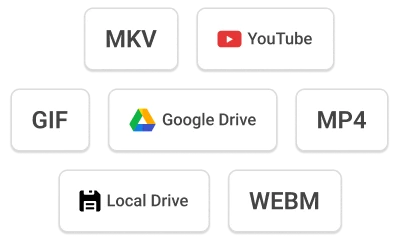
Flashback Express uses smart compression to keep your files small enough for easy emailing without losing high-res clarity. Whether you are pushing videos to YouTube without leaving the app or exporting to formats like MP4, AVI, and WMV, your video stays ready for any device.
Whether you are pitching a client, teaching a course, or replacing a long email, you need a screen recorder that gets straight to the point

Designed For Your Workflow
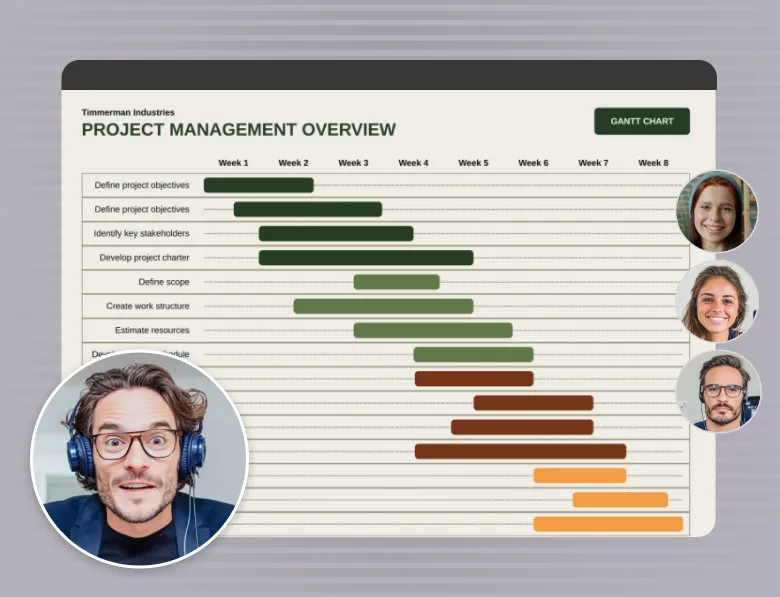
Whether closing deals, onboarding teams, or shipping code, Flashback Express fits into any process, so you can hit record and get straight to the point.




Frequently Asked Questions
In case you missed anything and had some more questions.
How do I install Flashback Express on my Windows PC?
Download Flashback Express for free in just a few clicks. Follow the installation instructions, and the software will launch automatically once installed.
Can I record multiple screens?
Yes, Flashback Express allows you to record multiple monitors.
Can Flashback Express save my files locally?
Yes, Flashback Express saves your recordings locally on your computer, allowing you to access and manage your files anytime.
What operating system does Flashback Express support?
Flashback is a free screen recorder designed for Windows 10 and 11 desktop computers.
Can I annotate while recording?
Yes, you can annotate on screen while recording using annotation tools to highlight areas, draw, and add text.
Does Flashback Express include video editing tools?
Yes, FlashBack Express has video editing tools to trim, cut, and crop your recordings, and enhance them with text, shapes, transitions, and music.
Does Flashback Express record system audio?
FlashBack Express captures system sound along with a microphone audio, delivering high-quality video recording for tutorials and meetings.
Is there a limit to how many videos I can record?
No! With the desktop version of Flashback Express, you can record unlimited videos.

I couldn't believe it actually let me save my raw recording without slapping a massive watermark over my work!

S.Jenkins
I can record quick updates for my team for free, and I only pay for the Pro license when I actually need the editing tools for client-facing videos.

Priya Patel
After getting burned by other apps that held my 30-minute recording hostage at the export screen, Flashback Express is an absolute breath of fresh air.

James Arrington
My software demos used to take hours of manual editing to look decent. The automatic cursor smoothing and smart zoom do all the heavy lifting for me now

Sarah Kennington
The auto-subtitles feature alone saves me hours of manual typing every week.

Rachel L.
The built-in video editor saves me hours of post-production work on my online courses

M.O'Shea