

Downloading Flashback Express…
If your download doesn’t start automatically,
Flashback Express is a Windows desktop application.
It won't run on a phone.
Try downloading again, on a Windows PC.
Get started in three quick steps
Flashback Express is a Windows desktop application.
It won't run on a phone.
Try downloading again, on a Windows PC.
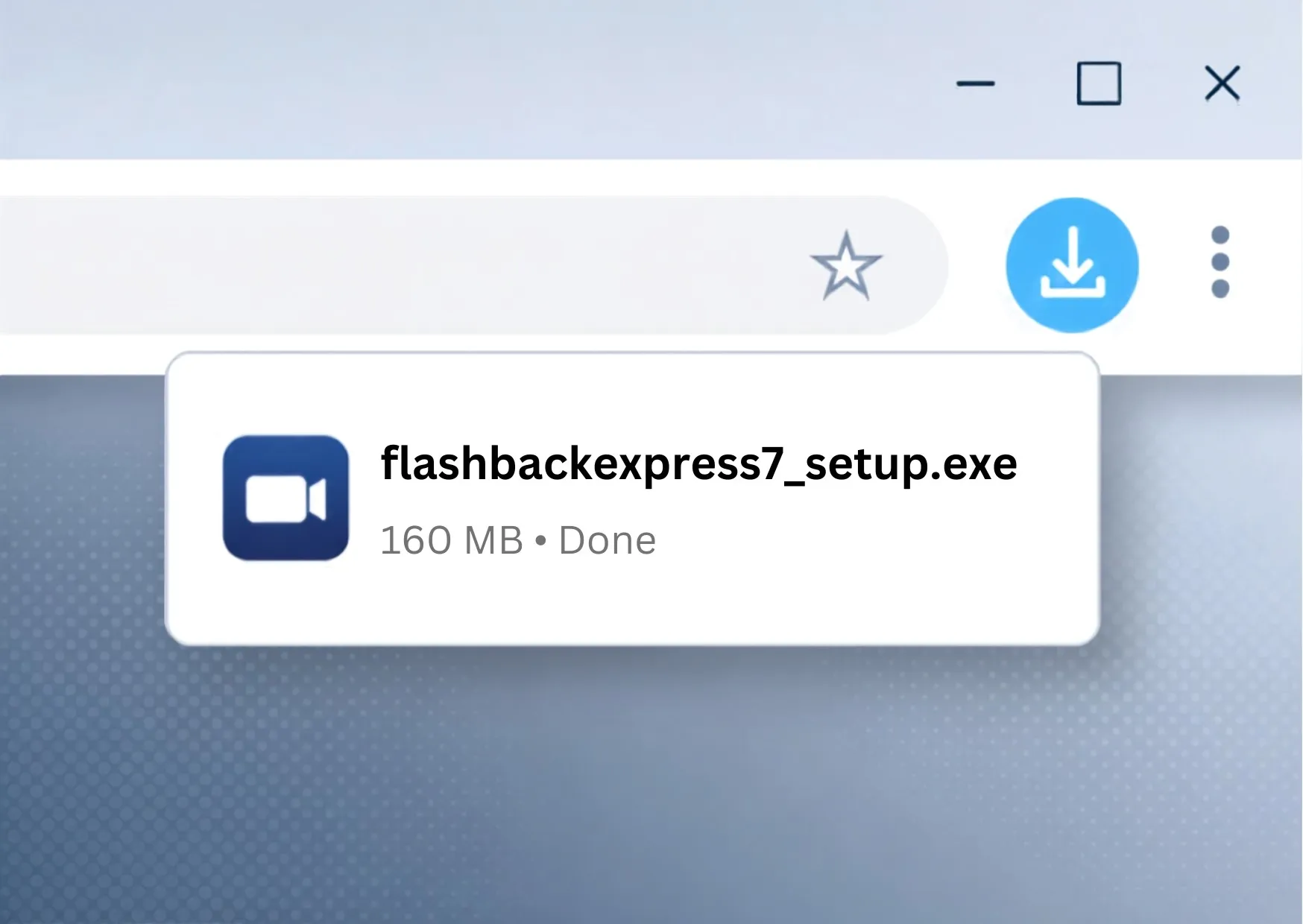
Run the installer
Open your Downloads folder and double click the Flashback Express installer.
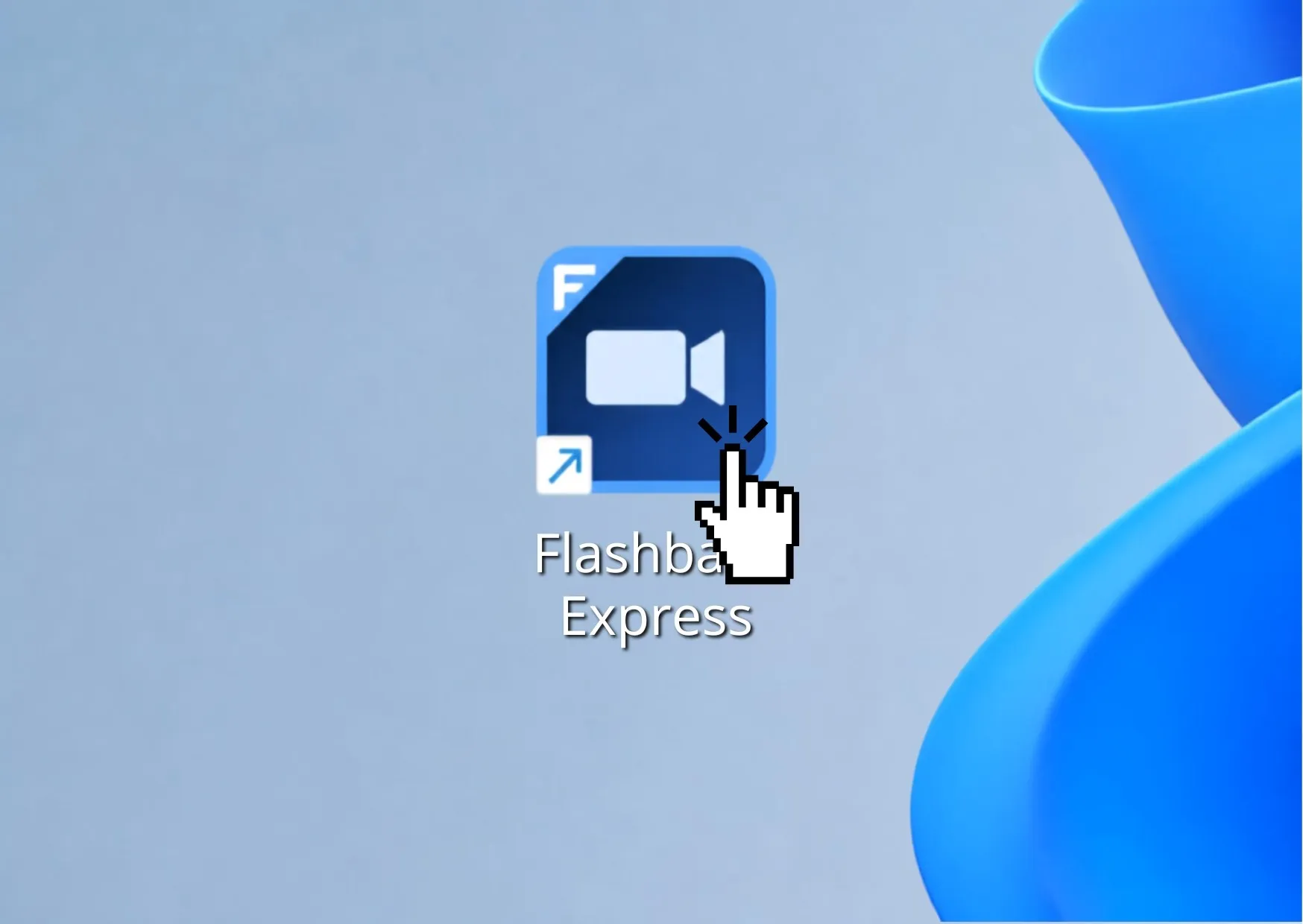
Open Flashback Express
Launch Flashback Express from your desktop or the Windows Start menu.
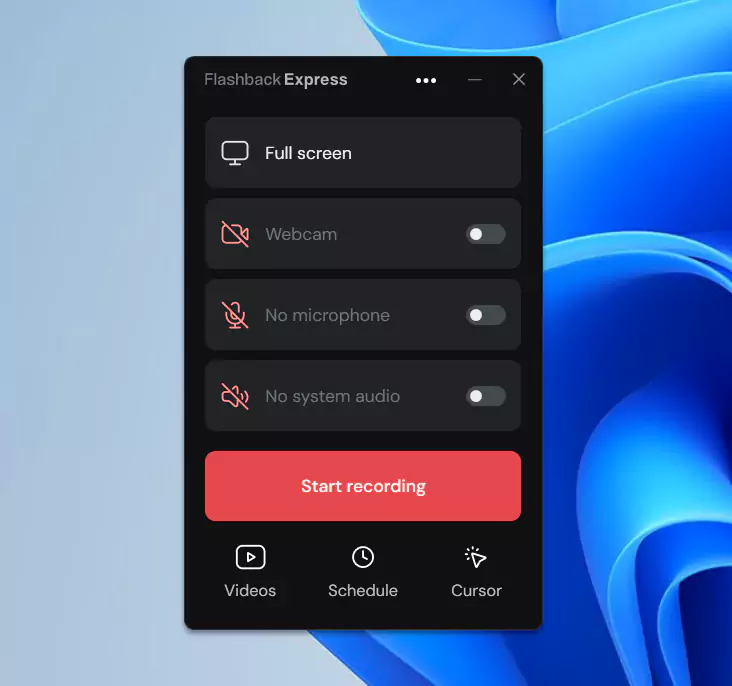
Start recording
Choose what you want to record, then click Start recording.
